Specialist copilots by domain
131 copilots across 20 professional domains, each configured for one kind of problem, from tenant rights to lab results.
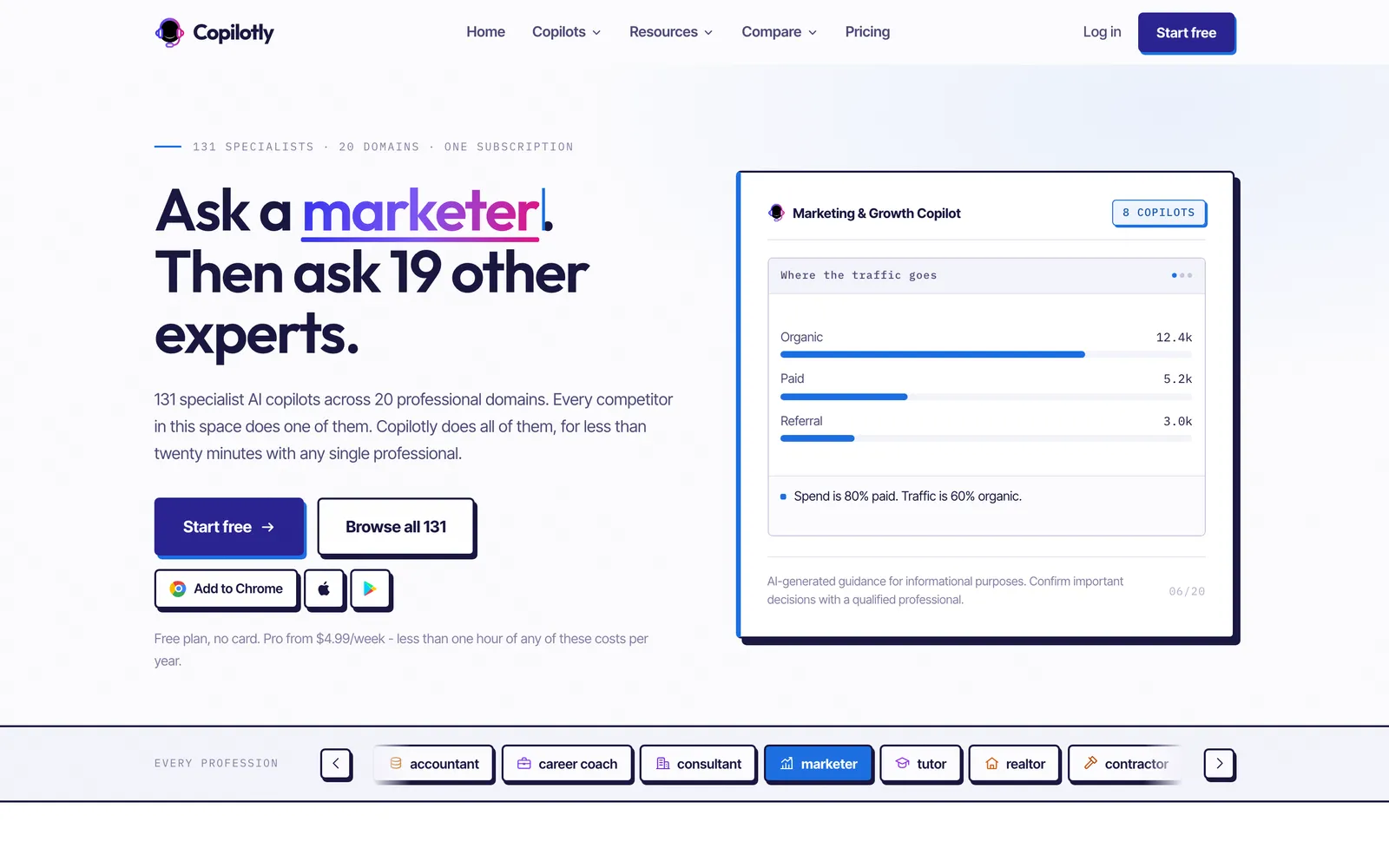
Copilotly is an AI assistant we built as a Chrome extension and web app: 131 specialist copilots across 20 professional domains, from legal and health to finance and careers, on one subscription and working on whatever page the user already has open.
Updated
Overview
Copilotly puts specialist AI copilots inside the browser. Instead of one general chatbot, the user picks a copilot set up for a field, such as a contract reader, a lab-results explainer or a tax helper, and uses it on the page in front of them without copying text into another tab. The catalogue covers 20 domains, and the copilots in regulated areas such as legal, health and finance carry a professional disclaimer.
We built the Chrome extension and the companion web app in React and TypeScript, with a Node.js and MongoDB backend and hosted AI models behind the copilots. The web app handles accounts, subscriptions and settings; copilotly.com carries the copilot directory, a landing page for each domain, pricing and comparison pages.
The story in three steps
01 · Where it started
General chatbots answer professional questions cautiously and in general terms, and using one means leaving the page you are working on to paste in a lease, a lab report or a job offer. Copilotly's idea was the opposite: many narrow copilots, each set up for one kind of problem, available wherever the user already is.
That created two product problems: keeping 131 copilots across 20 domains easy to find and choose between, and being plain about limits in fields where people could mistake an answer for professional advice.
02 · What we built
We built the extension on Chrome APIs so a copilot opens alongside any website and can work with what is on the page, and a web app for sign-up, subscriptions and choosing copilots. Each copilot is configured for its domain, so the user describes their situation rather than engineering a prompt; the site's How it works page is built around that point.
Copilots are grouped by domain in a directory, with a landing page for each domain. Copilots in the regulated domains (legal, health, finance, wellness, and nutrition and fitness) carry a disclaimer that says what they are not, and the site repeats it on the home page.
03 · Where it stands
Copilotly is live at copilotly.com and the extension is listed on the Chrome Web Store. The free plan gives three copilots and 50 messages a day; Pro, at $4.99 a week, unlocks all 131 copilots, and an Enterprise tier adds custom copilots on a company's own data and SSO.
We have no user, usage or rating records to source, so this page quotes none.
Chapter 1
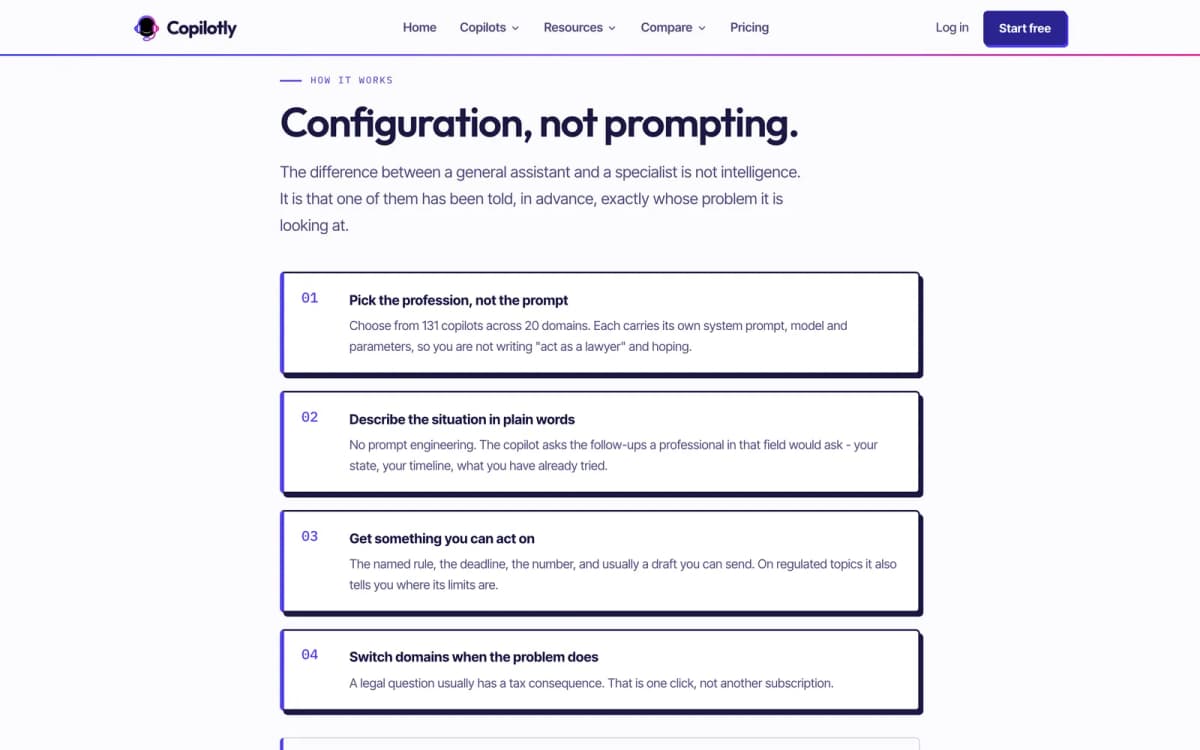
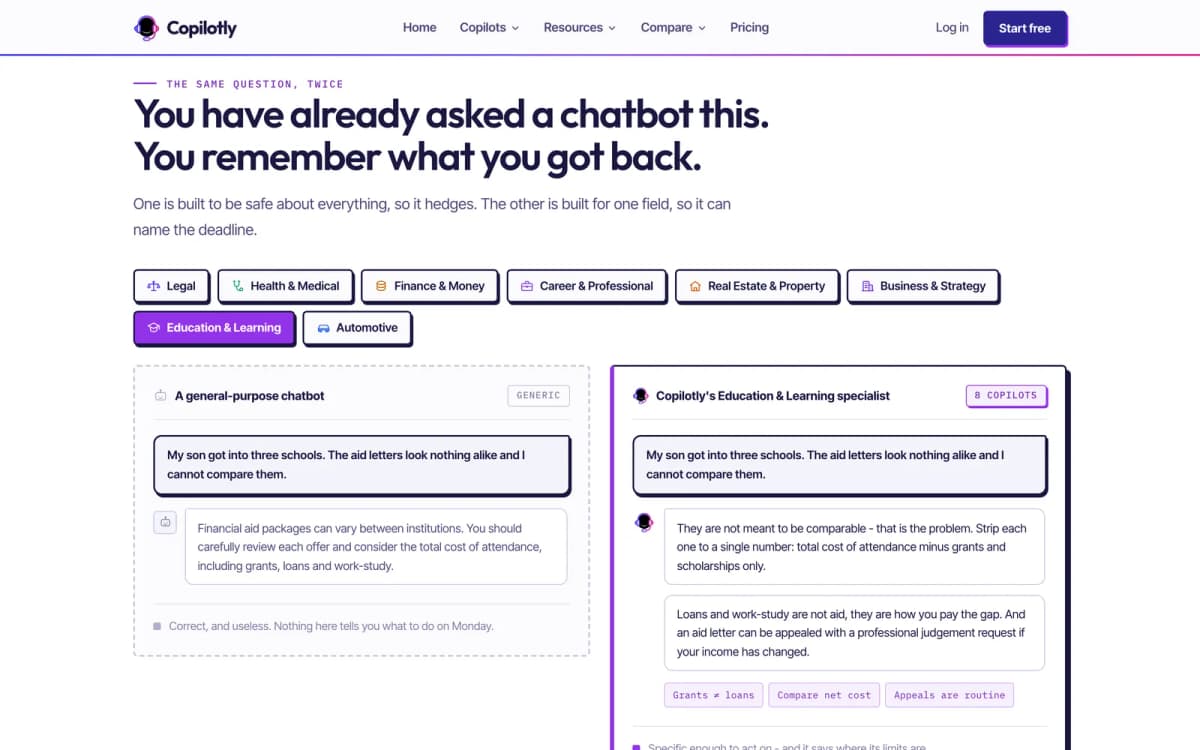
The product's central argument is in one line on its How it works page: configuration, not prompting. The difference between a general assistant and a specialist, it says, is not intelligence. It is that the specialist has been told in advance exactly whose problem it is looking at.
That decides how the product is built. A general chat tool puts the work of framing on the user: describe your role, your country, what you need, how cautious to be. Most people with a lease, a lab report or a job offer in front of them do not know how to frame it, and they should not have to. So each of Copilotly's copilots carries that framing already. The user picks the profession that fits the problem, describes their situation in plain words, and switches to another domain when the problem moves, for example from a tenancy question to a money question.
The framing also carries the limits. Copilots in the regulated domains, legal, health, finance, wellness, and nutrition and fitness, state what they are not, and the site repeats that on the home page instead of hiding it in terms. For a product that answers questions people might act on, being plain about limits is part of the design, not a footnote.
Chapter 2
Copilotly's public site is built as a library, not a brochure. Four parts of it do different jobs:
The pattern is the same throughout: the library is free to read, and the copilot that does the work is one click away from the page the reader is already on. The library earns trust by being useful on its own; the product is offered at the moment the reader moves from reading about a problem to doing something about it.
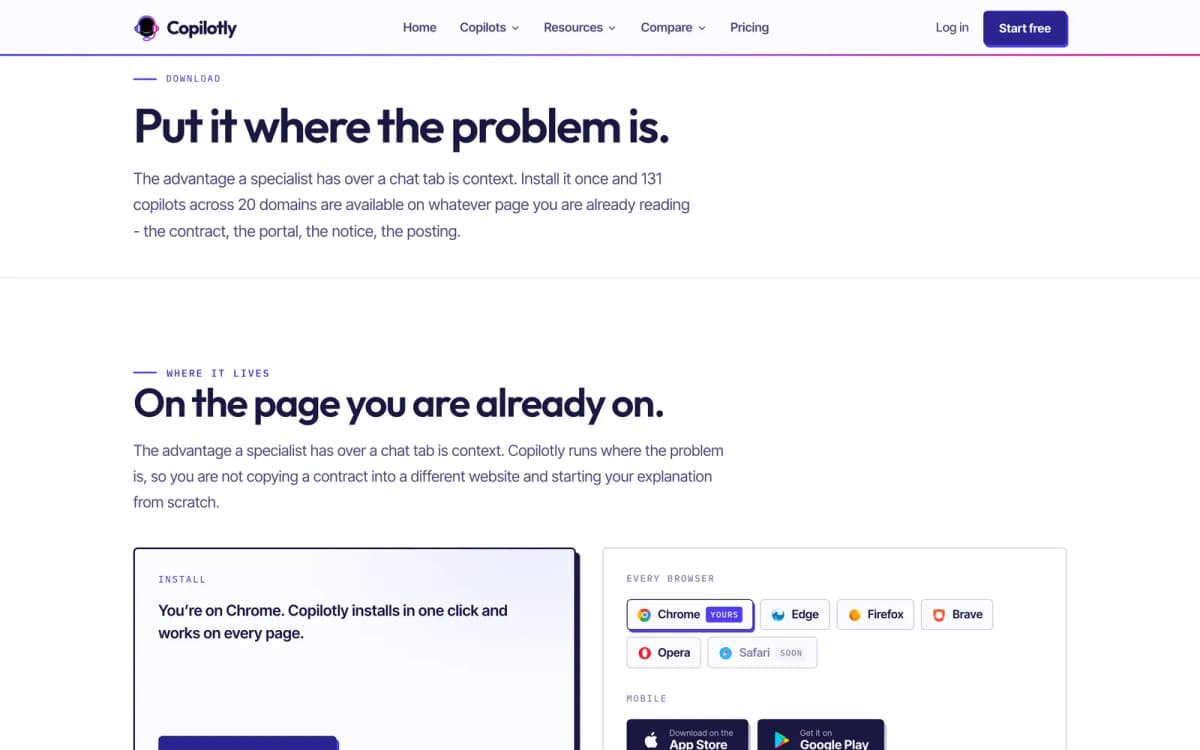
The last step is where the product lives. The download page sums it up as putting the copilot where the problem is: the browser extension in Chrome, Edge and Firefox brings every domain onto the contract, portal or notice the person is already reading, and the phone apps cover the moments away from a desk.
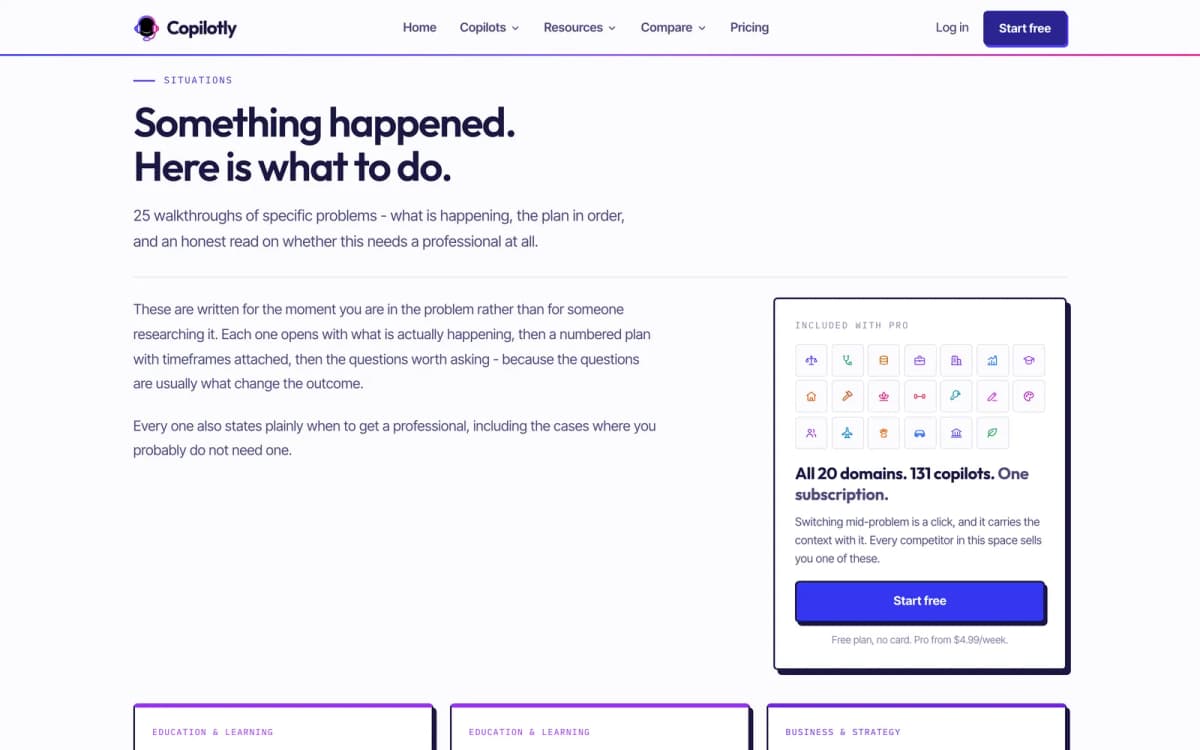
131 copilots across 20 professional domains, each configured for one kind of problem, from tenant rights to lab results.
The Chrome extension opens a copilot beside any website, so a contract or report does not have to be copied into a separate chat.
A directory card for each domain links to a landing page for that domain's copilots; the legal page, for example, shows the Legal Copilot reading a deposit clause in a lease.
Copilots in legal, health, finance, wellness and nutrition carry a professional disclaimer, and those domains are marked in the home page's domain grid.
Free covers three copilots and 50 messages a day; Pro unlocks every copilot with weekly, monthly or annual billing; Enterprise adds custom copilots, SSO and an admin dashboard.
Pro users can upload documents for a copilot to analyse, alongside full history and export.
25 walkthroughs written for the moment someone is in a problem, each with what is happening, a numbered plan with timeframes and an honest read on whether a professional is needed.
Every comparison page opens with what the alternative genuinely does better, and some send the reader elsewhere for specific tasks.
The extension runs in Chrome, Edge and Firefox, and phone apps for iOS and Android sit alongside it, so the copilots are available wherever the problem shows up.
A teams page speaks to companies of under about fifty people that have legal, HR, finance and compliance questions and nobody on staff to answer them.
Real screens · 14
They are 25 free guides to specific problems, such as negotiating a raise or reading lab results. Each explains what is happening, gives a numbered plan with timeframes and the questions worth asking, says honestly whether a professional is needed, and links to the copilot for that domain.
It opens a specialist copilot on the page you are already on, so a lease, lab report or job offer can be worked through in place instead of being pasted into another website.
Copilots in those domains carry a professional disclaimer: they give information, drafts and preparation, not the advice of a licensed lawyer, doctor or financial adviser, and the home page says so in plain terms.
Three copilots of the user's choice and 50 messages a day, with conversation history and the browser extension. Pro unlocks all 131 copilots.
 Featured
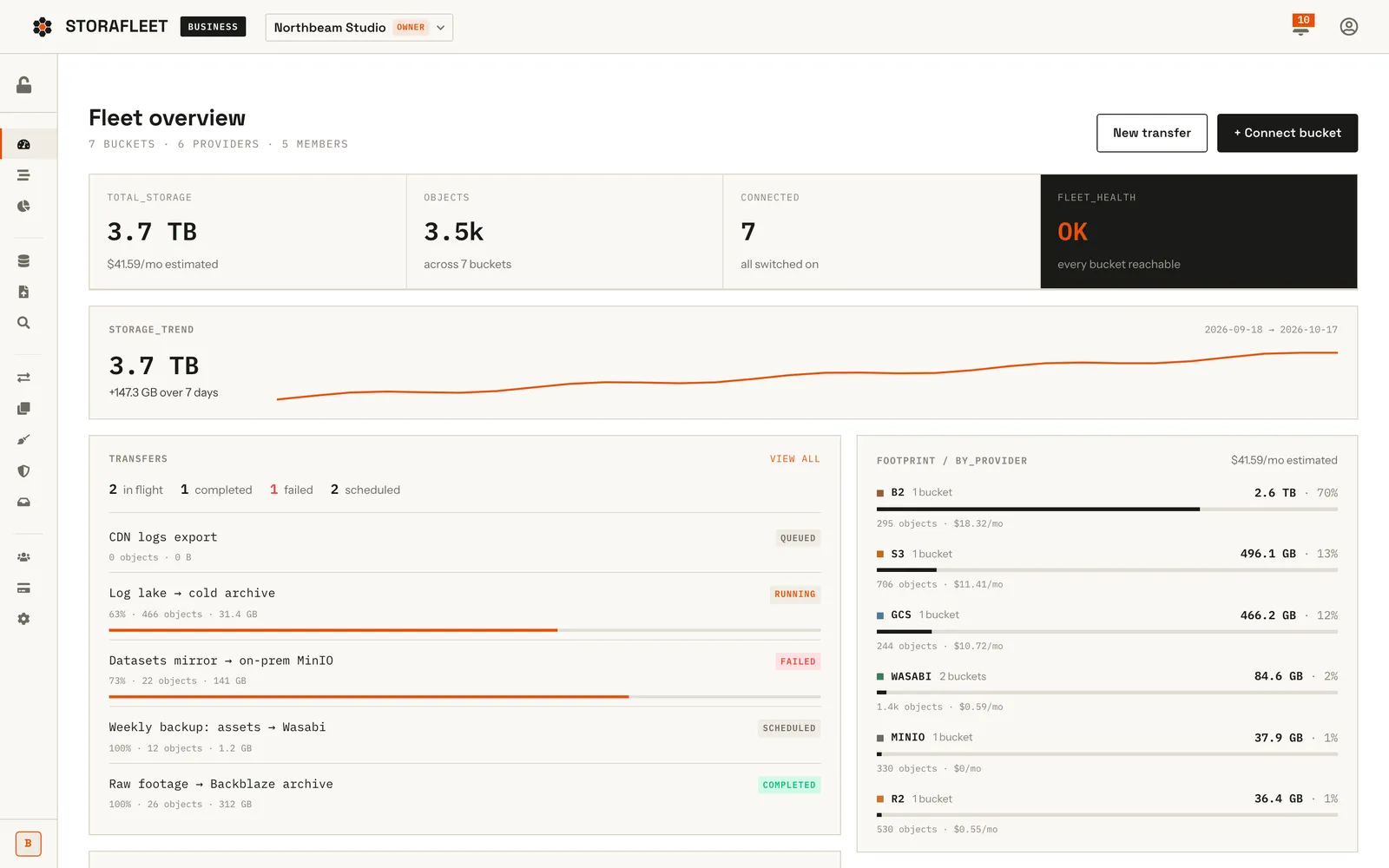
Storafleet is CountryDevs' own SaaS control plane for object storage. Teams connect buckets they already own on 50+ providers, including AWS S3, Cloudflare R2, Backblaze B2, Wasabi and MinIO, then browse, migrate, search, secure and cost-check them from one console.
 Featured
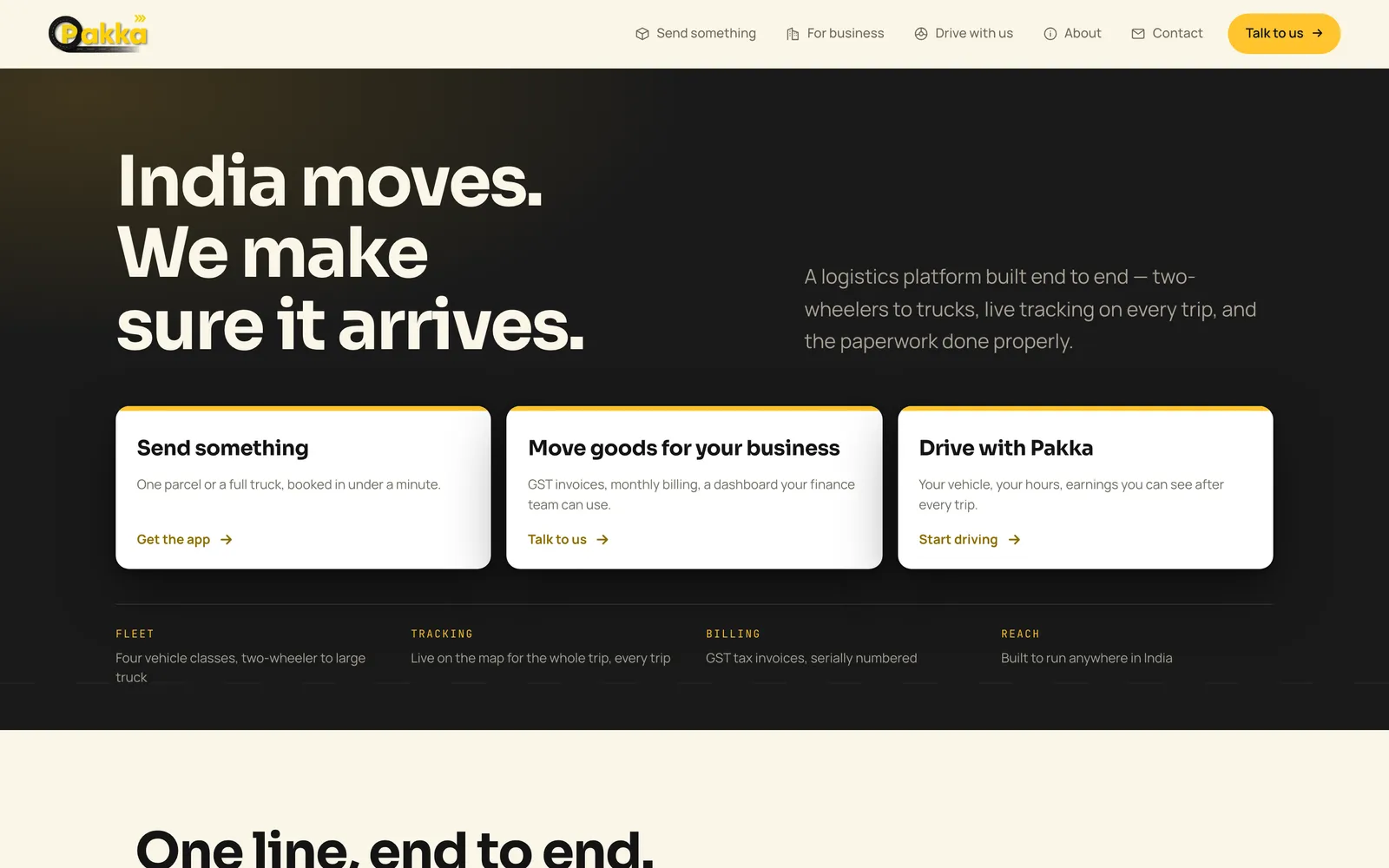
Pakka Logistics is an on-demand goods delivery platform for India. We built all of it: Android apps for customers and drivers, a business portal, an operations console and the website. The web platform is live and both Android apps are on Google Play; the two iPhone apps are in App Store review.
 Featured
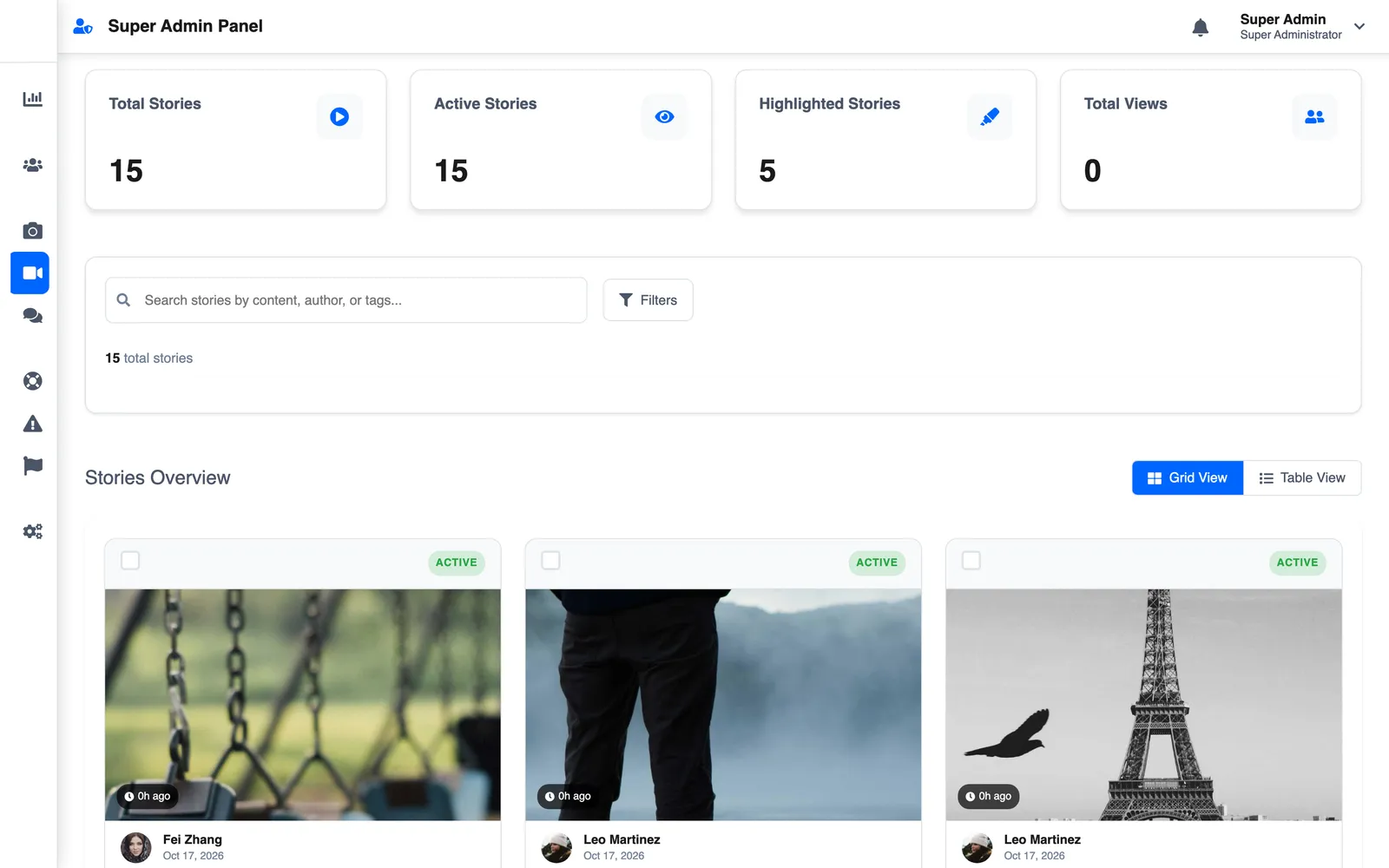
LetSlic, listed on Google Play as Slic, is a social app for photo posts, 24-hour stories and real-time chat with group moderation. We built it for Slic Solutions Private Limited: the React Native app, two Node.js APIs, the superadmin console and the website, plus Premium and ads.
Tell us what you're trying to ship and which project here is closest to it. We'll reply with the questions that shape the plan, then start with a two-week Discovery Sprint, so you see the screens and the plan before any code is written.
Not ready for a full build? Start with a Discovery Sprint, or get a code audit of an app someone else built. See how a project runs with us.
We work from Bengaluru with clients in India and abroad: app development in Bangalore, for businesses in the UAE and for businesses in the UK.