
"A restart costs only time." That sentence was the brief for the migration engine inside Storafleet, our multi-cloud storage product, and it turns out to be most of what you need to know about moving any app to a new server or cloud. If the process dies halfway, you should lose an hour, not a file.
Storafleet moves terabytes between storage providers for its users, and servers restart during jobs that run for hours. Building an engine that survives that taught us the order of operations below. We also moved every app on our own servers to a new runtime version this month, one app at a time, which is the same discipline on a smaller scale. We have not published a client migration case study, so treat this as a method, not a war story.
The short version: copy first, verify independently, switch in a planned window, and delete nothing old until the new setup has run cleanly for a while. The rest of this post is the runbook, step by step, with the places we have seen it go wrong.
Step 1. Write the inventory before you pick a destination
People want to start with "where are we moving to?" Start with "what are we moving?" instead, because the answer changes the plan more often than the destination does.
The list we write:
- the code and the exact runtime version it needs;
- the database, including indexes and any scheduled job that writes to it;
- files and uploads, usually in object storage;
- configuration: environment settings, secrets, cron entries, queue workers;
- the network: domains, DNS records, certificates, mail records, firewall rules;
- every outside service that calls back in: payment webhooks, sign-in redirect addresses, push notification keys;
- monitoring and backups, which either move or start fresh on day one.
Give each line an owner. The line that bites is nearly always the callbacks. A payment provider still posting confirmations to the old server will lose them quietly after the switch, and you find out when a customer emails to ask why their paid order says unpaid.
Step 2. Choose where to go, and who looks after it on a Tuesday
There are three usual destinations. A single server you manage is cheapest per month and entirely yours, including the patching, hardening and backups. A managed platform takes most of that away and costs more as traffic grows. A large cloud provider gives you every service and every configuration option, which is a mixed blessing for a small team.
We care less about which one you pick than about two questions answered in writing first. Where must the data physically live? That is data residency, and for Indian users it runs into the DPDP Act. And who will look after the new setup on an ordinary Tuesday when nothing is on fire? If nobody, the move has relocated the work, not saved it.
Step 3. Copy while the old system keeps serving
Nothing in a safe migration is "moved" in one step. The old setup keeps serving users while the bulk of the database and files is copied across. For the database, rebuild the indexes on the new side and run the slow queries you know about. A missing index is the most common reason a freshly moved app feels sluggish, and it is easy to miss because everything still works, just slower.
For files, some providers offer a mode that serves a file from the old bucket the first time it is asked for and copies it across in the same moment. Storafleet manages that mode for one destination provider from a Live Migration tab. It lets the app point at the new storage straight away while files move as they are used, with a bulk copy filling in the rest. We are careful about how much we claim for it: the requests are unit-tested against the provider's documentation, but the live path still has to be exercised on a real account.
Step 4. Prove the copy, file by file
"The job said success" is not proof. Neither is matching counts: two lists with the same number of files can still differ.
Storafleet's engine streams every object through a SHA-256 hash as it copies and offers three levels of checking:
| Level | What it checks | When we'd use it |
|---|---|---|
| Length only | The destination file is the right size | Huge, low-value archives where time matters most |
| Digest (the default) | SHA-256 of the bytes copied, plus the size | Almost everything |
| Deep | Re-reads the destination and compares SHA-256 again | Data you cannot afford to get wrong |
One detail is worth stealing even if you never touch object storage. Do not trust providers' own checksums across clouds. Files uploaded in parts get a checksum that each provider computes in its own way, so the same file can carry two different values in two places. Hash it yourself.
Databases deserve the same suspicion: record counts per table or collection, a checksum or spot comparison of the records that matter most (payments, orders, accounts), and a run through the main user journeys against the new database before anyone switches anything. Our glossary entry on data migration covers the vocabulary if your team needs it.
Step 5. Expect the restart
Any copy that runs for hours will one day be interrupted. Design for it rather than hoping.
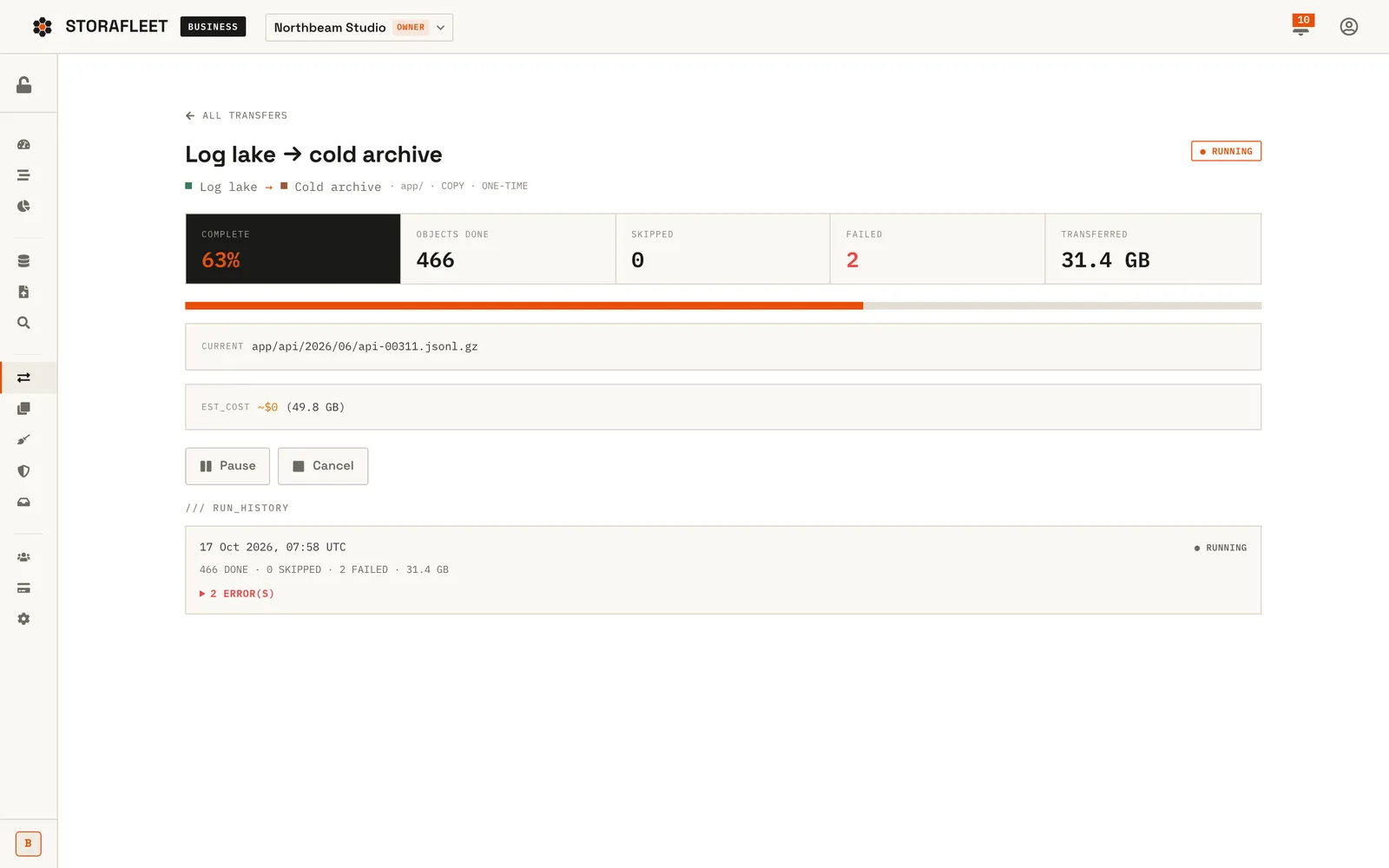
Storafleet's engine claims each job with a 90-second lease and renews it every 30 seconds. If the process dies, the lease runs out and the next worker to claim the job carries on. Objects copy in key order, one at a time, and the checkpoint is the last key that copied cleanly with no failure before it. A resumed run starts listing from there.
Copying one object at a time was a deliberate trade-off. Parallel copying is faster, but a single ordered stream makes the checkpoint trivially correct, and for a first version we preferred a checkpoint we could trust to a speed we could brag about. If your migration script cannot answer "where did it stop?", it is not ready to run on production data.
Step 6. Put a price on the move before it starts
Cloud providers charge for data leaving them. This charge is called egress, and a large move can produce a bill nobody planned for.
Storafleet estimates egress before a job begins. Above $10 the user has to acknowledge the estimate, and a running job pauses itself if it moves more than twice the bytes estimated. You can apply the same idea with a spreadsheet: decide what the move should cost, and agree in advance that anyone can stop it if the meter overshoots.
The full bill has more lines than egress. Engineering time for the inventory, rehearsal and aftermath is usually the largest. Then there is running both setups side by side for the overlap, and the cost of a bad switch, which is lost orders and a day of support emails. A move that saves a little each month can take a long time to pay back once all of that is counted.
Step 7. The window
For a small or mid-size app, files can usually move with no downtime at all. The database is where most teams take a short, planned write freeze: stop writes, take the final sync, verify, switch the app's connection, reopen. Planned properly, that is minutes, at a quiet hour, announced in advance. Zero-downtime database moves exist, and they add enough complexity that we only recommend them when a few minutes of read-only really costs you money.
What makes the window short is everything before it:
- lower the DNS record lifetimes a day or two ahead, so the change spreads quickly;
- rehearse the final sync on a copy and time it, so the window is known rather than hoped for;
- stop every scheduled job in the old place before the window and start it in the new one after. Otherwise it either misses a run or runs twice, and "the invoices went out twice" is a worse morning than "the invoices went out late";
- have one person own communication, separate from the people doing the work. Engineers answering chat messages are not watching dashboards.
Tell the users who might notice, such as admins who work in the system all day, the date and the expected length. Most users should notice nothing, which is the point.
Step 8. The first hours after
Even calm moves have a short tail of surprises. We check these before we call it done:
- mail: messages from a new server can land in spam if the domain's sending records were not updated. See email deliverability.
- callbacks: payment, SMS and notification providers still pointing at the old address.
- scheduled jobs: missing in the new place, or running in both.
- file links: uploads addressed by the old storage URL that now return 404.
- time zones: a server set to a different zone can move reminders and reports by hours. Store and schedule in UTC and this one goes away.
- certificates and limits: a certificate that will not renew on the new host, and upload sizes, timeouts and memory limits that were tuned on the old one and are defaults on the new one.
Comparing old and new side by side is the fastest way to find what changed, which is why the old setup is still there.
Step 9. Retire the old setup last
Keep the old system read-only until the new one has run cleanly for an agreed period. It is your rollback until the moment new writes make switching back impossible, and after that it is still the easiest thing to compare against. Take a final backup of it, check that the backup restores, and only then switch it off.
The same rule is built into Storafleet: a move deletes the source only after the copy has verified. Never as part of the copy.
A runtime upgrade is the same runbook, smaller
This month we moved every app on our own servers off a runtime version that had reached end of life. It is a migration where the app stays put and the ground under it changes, and the same rules held:
- install the new runtime alongside the old one, and keep the old one purely for rollback;
- point every app at one stable path, so changing version is a single change;
- redefine each app's process from its own config file and switch one app at a time;
- after each switch, check the app is online, is not restarting, gives the same responses as before, and that every public hostname behaves exactly as it did;
- keep a one-command rollback per app.
Switching everything at once looks faster on paper. It is also the version where you spend the evening working out which of twelve apps is the one misbehaving.
When we would tell you not to move
A slightly cheaper monthly bill is rarely reason enough once engineering time, egress and switch-over risk are counted. Moves that do pay their way: leaving a runtime or operating system that no longer gets security fixes, getting off a host that keeps going down, pulling scattered services into one place you can actually monitor, or putting data in the region your customers or regulators require.
If one of those applies, our cloud migration work follows this runbook with a rollback at every step, and deployment and hosting sets up monitoring, backups and the release path once you have landed. Keeping the new setup current afterwards is maintenance and support, and our pre-launch security checklist makes a good last pass on a server nobody has hardened yet.