
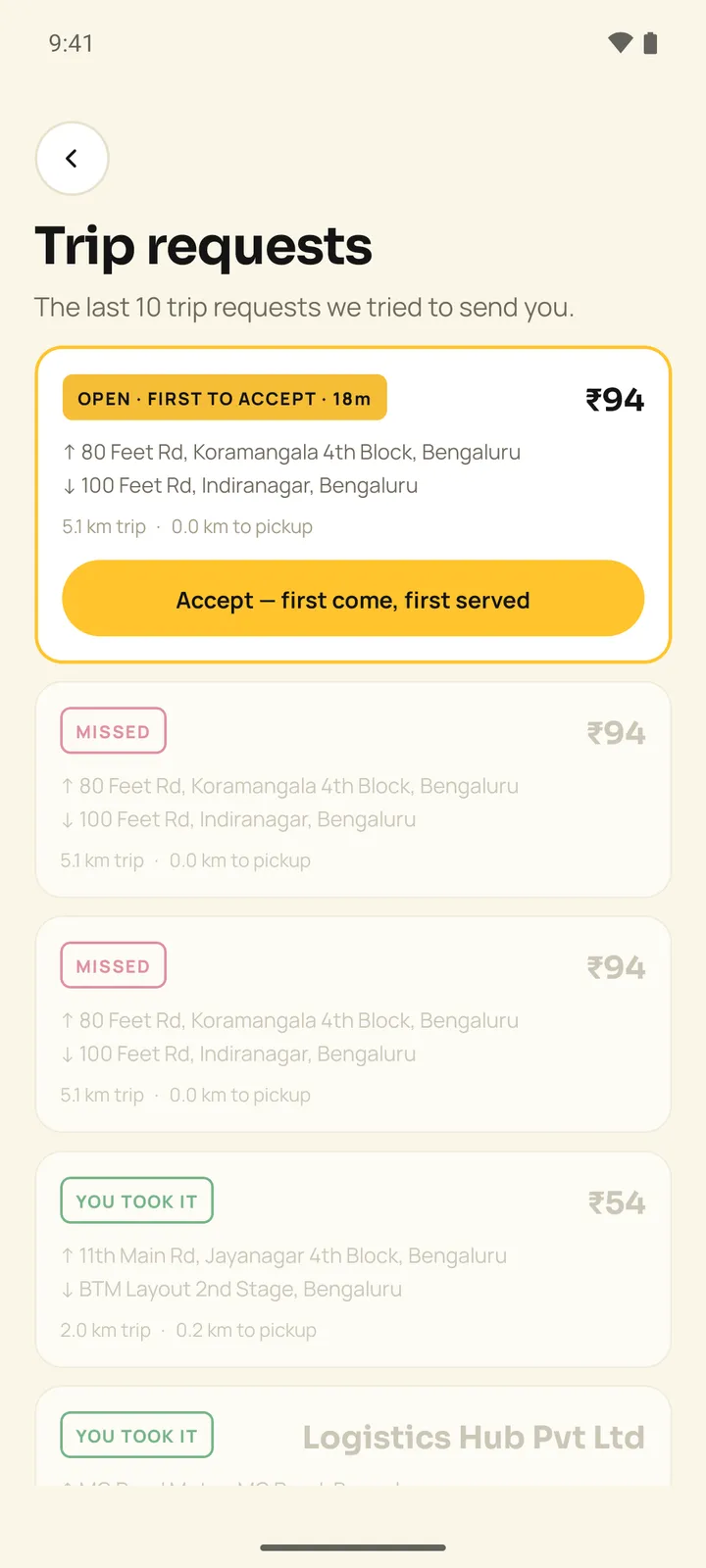
Nothing in Pakka's driver app was broken when Google Play rejected it on 23 October 2026. Our own one-time-password limit, the one that stops strangers hammering the sign-in screen, had locked out the Play reviewer. We changed the limit, resubmitted, and the app is live. It is a fair picture of what app maintenance mostly is: not repairing something that broke, but keeping a working app in step with the people and rules around it.
This post is a log of that kind of work from apps we have built and look after, followed by the calendar of deadlines you can see coming, and what our maintenance plans cover. If you want the short answer first: maintenance is library and security updates, the stores' yearly requirements, monitoring, backup checks, fixes and small improvements, done every month so that none of them turns into a project with a deadline you did not choose.
The rest of a year, in fixes
None of these were emergencies when they were caught. Most would have become one if they had waited.
An iPhone app that could not upload
From 25 May 2026, every attempt to upload a new Trainr iPhone build failed with a signing error that looked like a permissions problem. It was not. Apple's records showed the app had always been registered as fit.trainr.mobile, and a brand rename had quietly changed the iOS identifier to match the Android one. We reverted the identifier, added the six privacy purpose strings Apple now required, and build 22 reached TestFlight in August 2026.
The lesson we took: an error message describes what the tool noticed, not what is wrong. Months of failed uploads came from one changed string.
A keyboard over the delivery codes
Pakka's drivers type a code at pickup and another at drop. On Android 15 and later, the on-screen keyboard covered the code boxes, so a driver could not see what they were typing. Driver app 1.0.19 keeps the boxes above the keyboard. The screen had not changed; the phones under it had, and the app had to catch up.
iPhones that went quiet
iPhones pause apps in the background. Pakka's server marked a driver offline after five minutes of silence, which is wrong on an iPhone, where a driver who switched to a message mid-trip could drop off the road as far as dispatch was concerned. The window for iPhone drivers is now 30 minutes.
A store rule about photos
Google Play allows broad access to a phone's photos only when the system picker cannot do the job. Both Pakka apps had asked for it. We removed it and moved gallery picks to the system Photo Picker, checked on Android 16. Users see a tidier permission prompt; the store sees an app that asks only for what it needs. Our page on app permissions explains why this keeps coming up.
A setting nobody read
On LeafRanger, our own plant-care app, quiet hours default to 22:00 to 08:00. The setting was saved, edited and shown on screen, and nothing on the sending side ever read it. We found it before launch, and push reminders now respect it. It is exactly the kind of bug a monthly look at "does this feature still do what its screen says?" exists to catch, because no error is logged when a reminder ignores quiet hours.
Our own servers
Node 20 reached end of life on 30 April 2026, which means no more security fixes. This month we moved every app on our own servers to a supported version, later than we would have liked. We did it one app at a time, with the old runtime kept installed for rollback and every public address checked afterwards against how it behaved before. We mention it because the advice we give clients applies to us too, and because "we'll do it next quarter" is how every runtime ends up past its date.
The calendar you can see coming
The good news about the stores and runtimes is that most of their deadlines are published months ahead. A maintenance plan's job is to put each one into a month well before it lands.
| Date | What changes | What has to happen first |
|---|---|---|
| Since 28 April 2026 | Apple requires Xcode 26 and the iOS 26 SDK for uploads | Build and test the iPhone app on the new tools |
| Since 31 August 2026 | Google Play requires new apps and updates to target Android 16 (API level 36) | Raise the target, handle behaviour changes, test on current Android |
| 1 February 2027 | Play updates must support 16 KB memory page sizes | Check every native library, including inside SDKs |
| April 2027 | Apple has announced uploads must use the iOS 27 SDK | Same as last April, one version up |
| Each runtime's published date | A Node.js major version reaches end of life | Move the backend and re-run the tests |
Miss one of the store dates and the app can still be downloaded, but new updates are refused until it catches up. That is the real cost: the day you need to ship an urgent fix is the day you discover a platform upgrade has to come first. Our Google Play launch checklist and App Store launch checklist keep the current requirements with their dates.
Web apps escape the stores and pick up other deadlines instead: a payment provider retiring an API version, a certificate that fails to renew, an email domain whose sending reputation slips. Products with a phone app and a web app, which is most of what we build, carry both. One calendar is cheaper than two sets of emergencies.
What a month of maintenance actually contains
On our plans, a normal month is:
- run the dependency audit, apply the safe fixes, and plan the major upgrades that need code changes and tests rather than forcing them through;
- watch uptime and errors, with alerts coming to us, so we often see a problem before your users do. See error monitoring;
- check that backups exist, and every so often restore one, because a backup nobody has restored is a hope;
- schedule the next store, OS or framework upgrade from the calendar above;
- work through what you have raised, in order of impact;
- send a short report of what shipped, what was patched and how many hours were used.
The first week of the first month is onboarding: access, monitoring and a health check of the code and dependencies. For an app another team built, we start with a code audit, because nobody can safely maintain code they have not read. A takeover is a bigger job with its own method, covered on our app rescue and takeover page.
Security is in that list on purpose. Dependency audits fixed properly rather than suppressed, secrets kept out of code and rotated when someone leaves, a periodic review of who still has admin access, sign-in rate limits that still work (as Play's reviewer can confirm). None of it is dramatic. Skipped for a year, together it is how small products end up with a public vulnerability and no one who remembers how the release process works.
What our plans cost and what they cover
Maintenance is a fixed number of engineering hours a month plus the update and monitoring work. The price is the same wherever you are:
| Plan | A month | Hours | What it adds |
|---|---|---|---|
| Care | ₹20,000 ($210) | 4 | Monthly dependency and security updates, uptime monitoring, a backup check and 4 hours of fixes. Response next working day |
| Grow | ₹45,000 ($470) | 12 | Everything in Care, small features, a monthly report, and OS, store and React Native upgrades for apps. Same working day |
| Partner | ₹95,000 ($1,000) | 30 | Everything in Grow, a quarterly roadmap call, critical issues answered within 4 business hours (IST) |
The terms we would want you to know before signing: a three-month minimum, then 30 days' notice; unused hours do not roll over; extra hours are ₹3,000 ($32) each, agreed before the work starts; cover is Indian working hours, and we do not offer round-the-clock on-call. If you need 24/7 cover, we are the wrong plan, and we would rather say so now. The full terms are on the maintenance plans and pricing page, and the maintenance cost calculator gives a rough figure for your own app.
How much to buy depends on the next six months, not on the cheapest row. A stable app with steady use needs Care. An app whose users ask for changes every month needs Grow's hours and upgrades. A product the business depends on changing quickly needs a team close enough to the code to plan a roadmap with you. Under-buying means paying extra-hour rates for urgent work; over-buying means paying for hours you never use.
What is not maintenance: new features of any real size (those are projects, quoted separately), redesigns, and the hosting bill itself, which goes to the provider. Running the servers is its own job, described under deployment and hosting. Our running costs page covers the third-party bills.
Five questions for whoever maintains your app today
If someone already looks after your app, ask for evidence rather than reassurance:
- When was the last dependency audit, and what did it find?
- Which runtime and framework versions are you on, and when do they reach end of life?
- When did someone last restore a backup?
- What did monitoring catch last month?
- What is the next store deadline, and which month is the work in?
Good maintenance answers all five without going to look, usually by pointing at last month's report. One of our longer-running maintenance engagements is written up as a case study.
Which brings us to the report. A monthly report that says "all good" every time is a warning sign, not a comfort. Software that is genuinely being looked after always has something to say, even if this month it is only that Apple has announced next April's SDK. Our maintenance and support page shows what ours contain.