Overview
Bogar Infra Projects Pvt Ltd (formerly Sree Bogar Projects) is an engineering, procurement and construction company in Chennai, established in 2019. Its earlier website was a static template that presented the firm as a general turnkey contractor. Between July and October 2026 CountryDevs rebuilt it as a Next.js site on a Node.js and MongoDB API, with an admin panel for the firm's directors and staff.
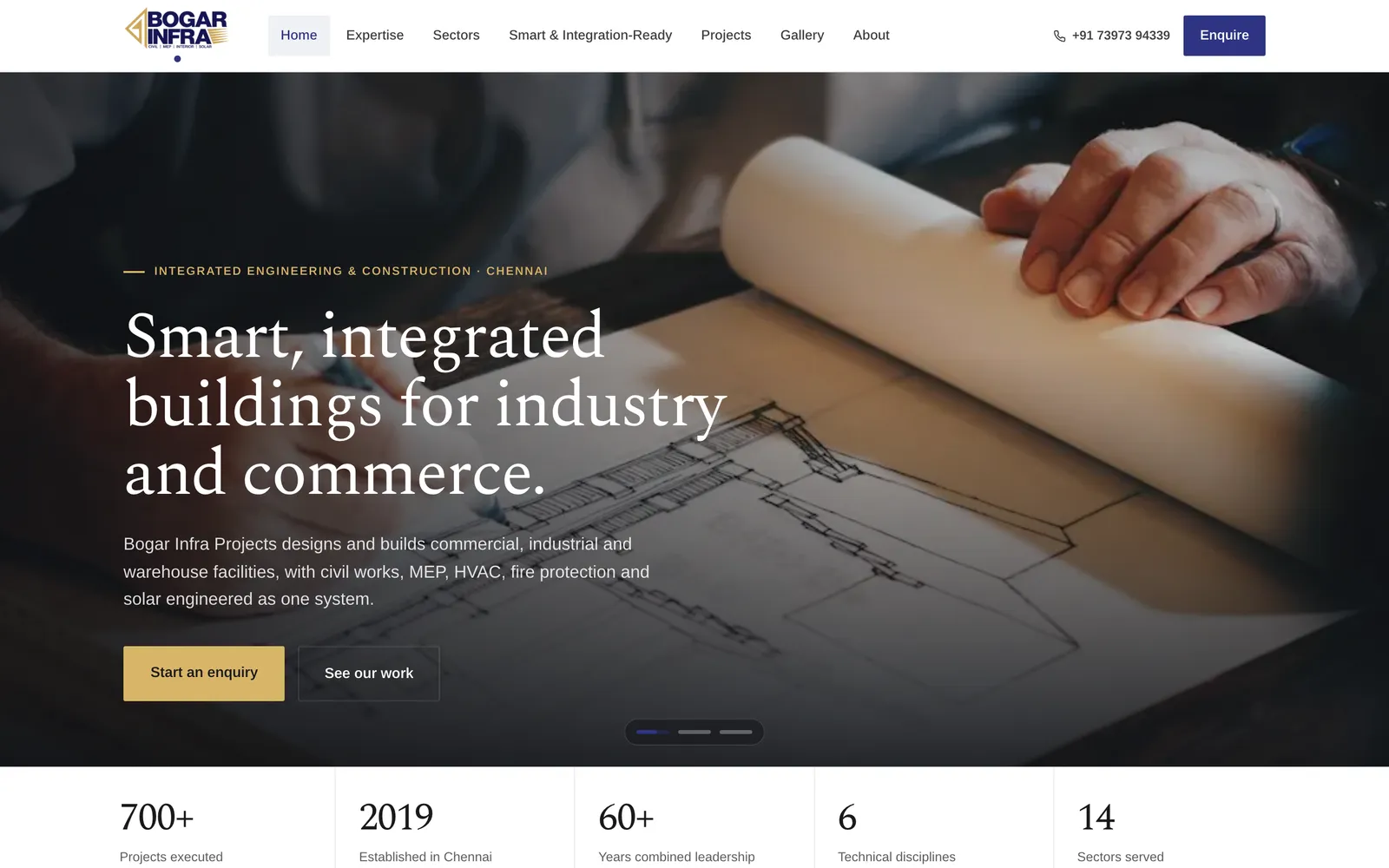
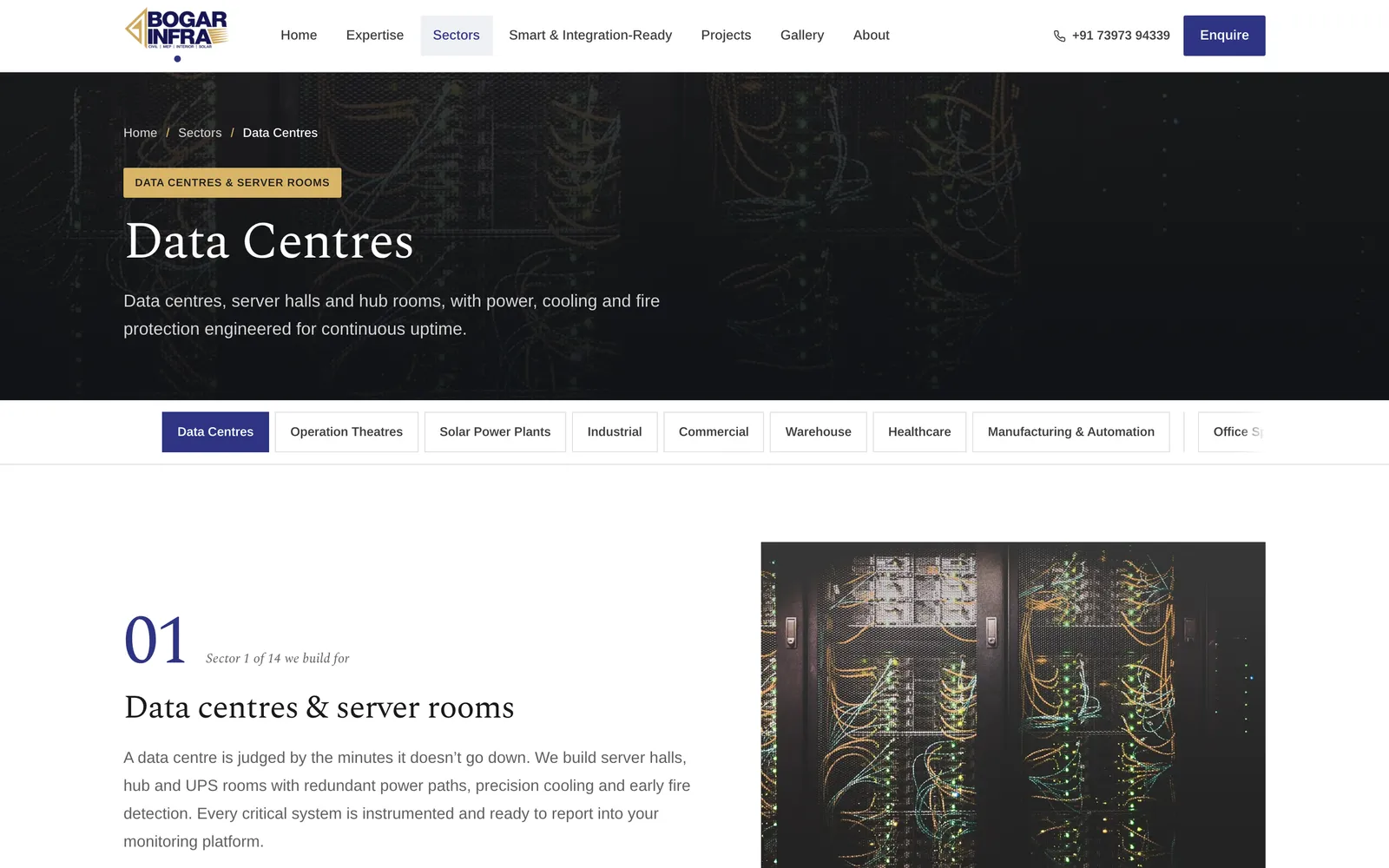
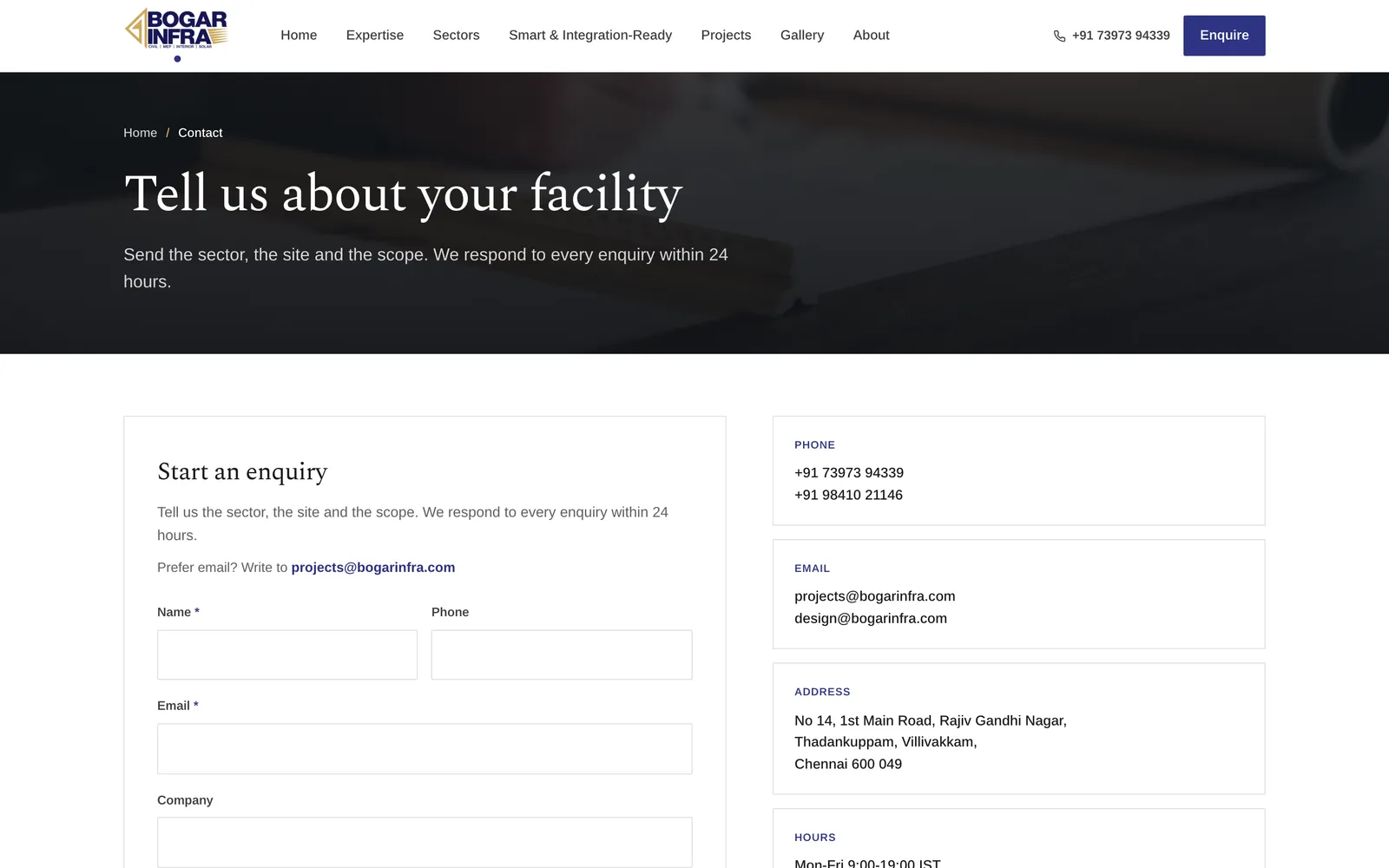
The public site at bogarinfra.com now presents the firm as a specialist in smart, integrated buildings for commercial, industrial, warehouse and mission-critical facilities. It is organised on two axes: six disciplines, from construction and structural engineering to MEP, HVAC and fire, solar, interiors and mission-critical work, and fourteen sector pages led by data centres, operation theatres and solar power plants.
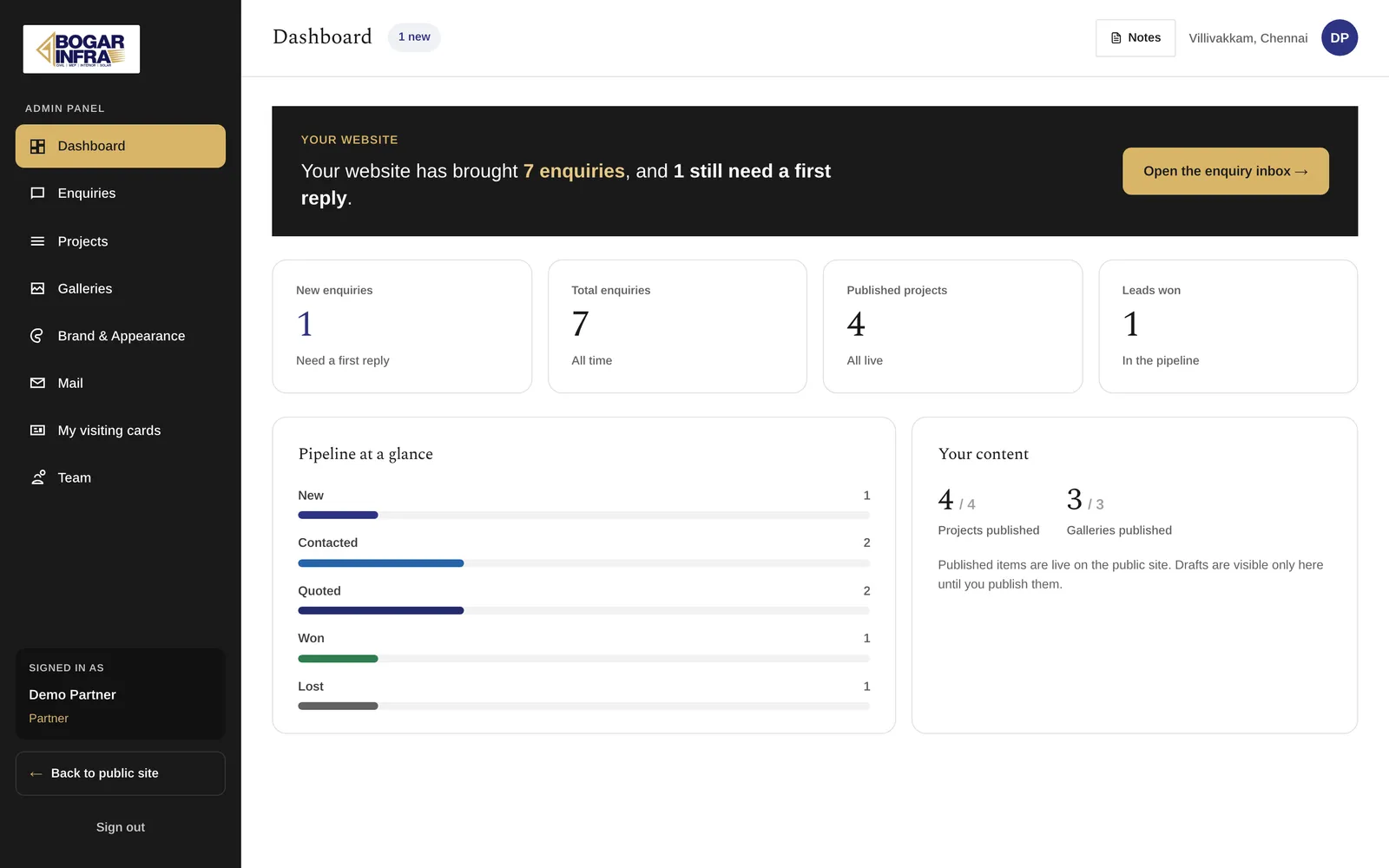
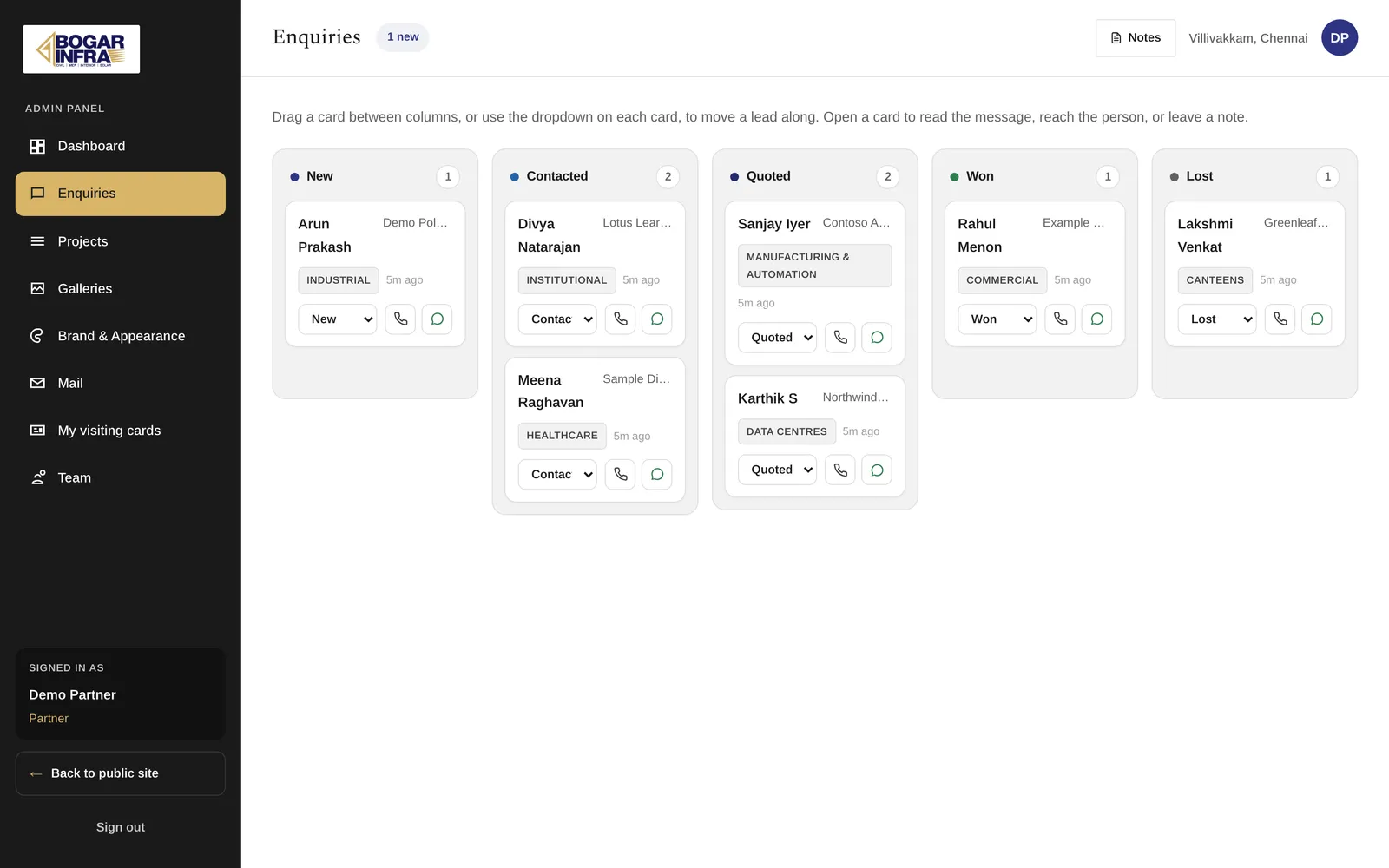
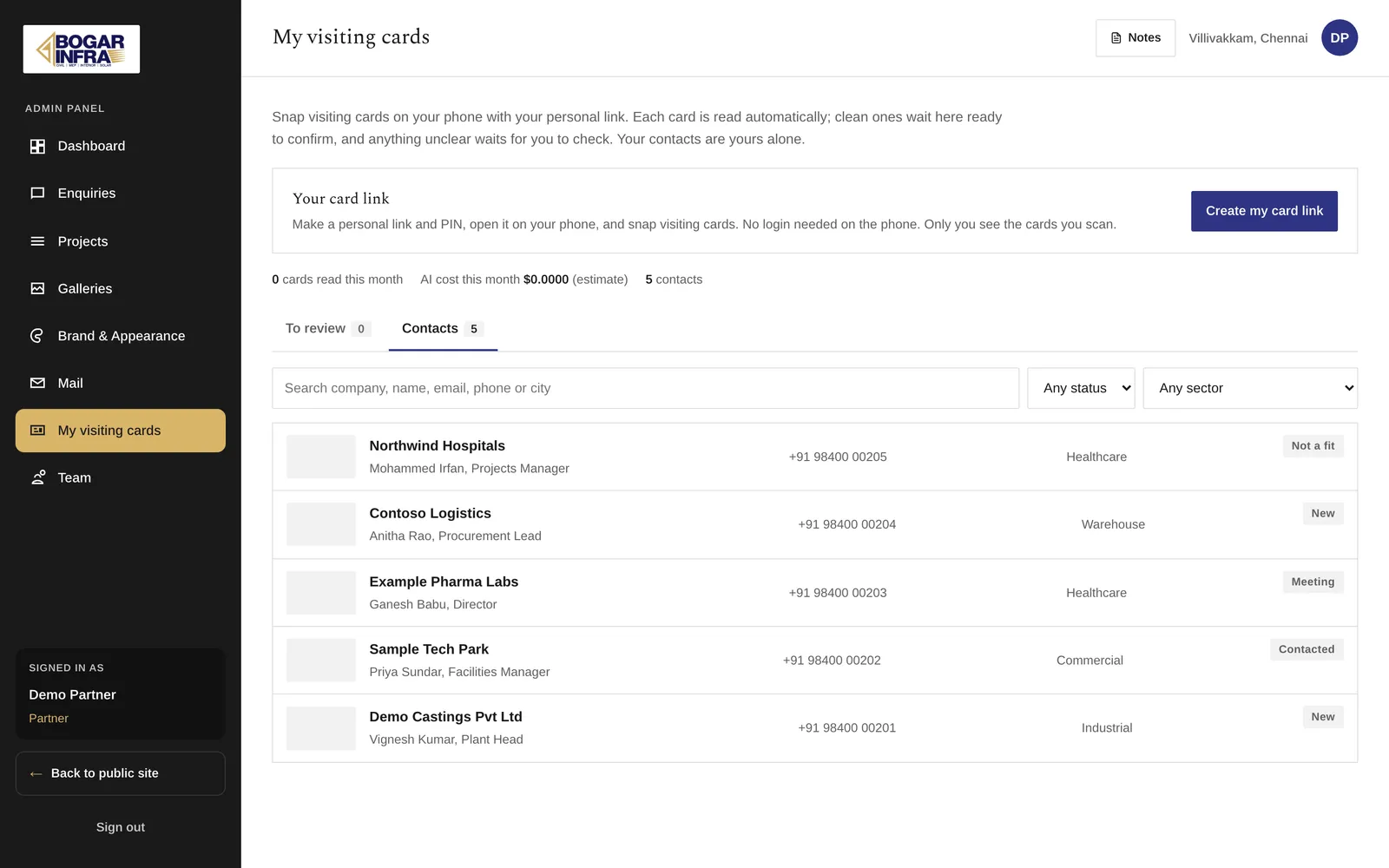
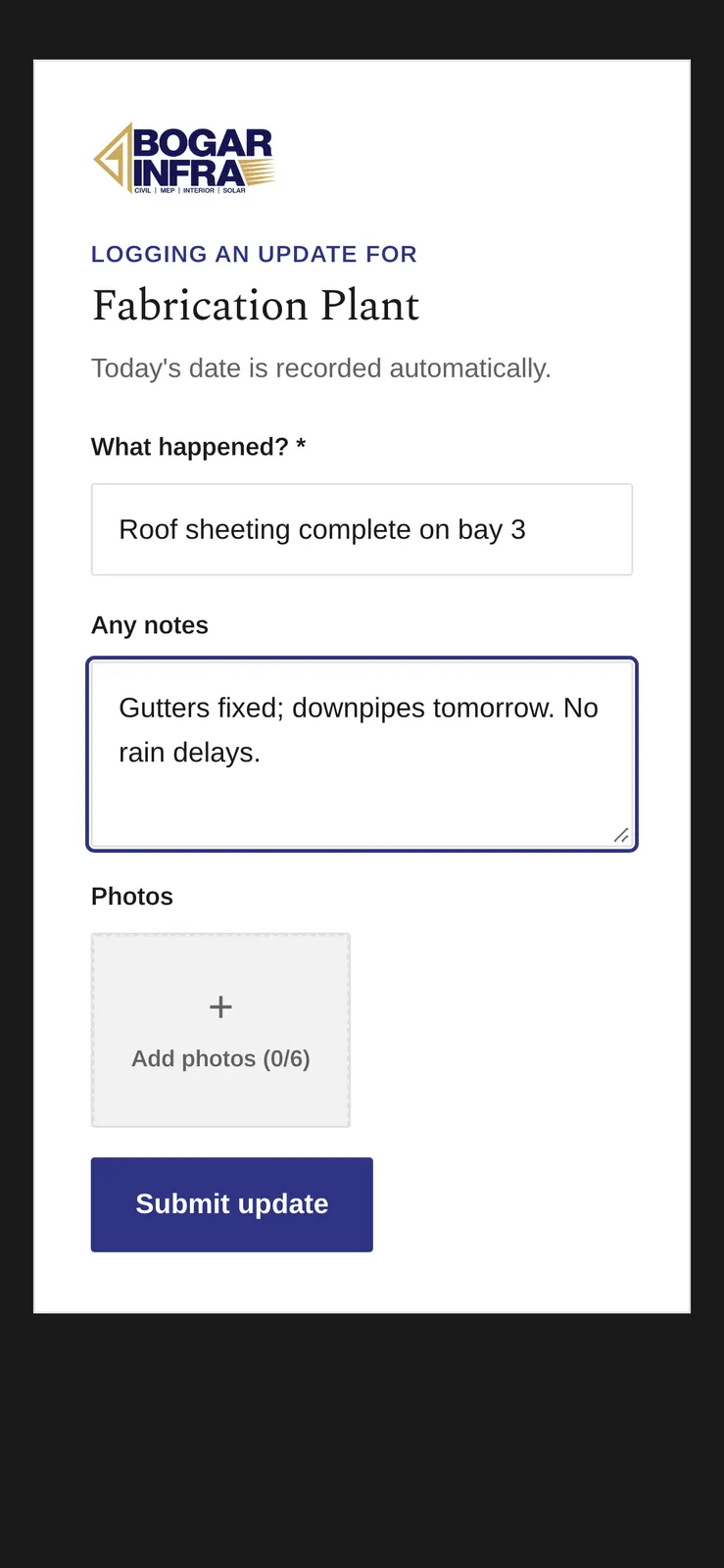
Behind it, the admin panel holds the firm's working tools: website enquiries on a kanban board, the company mailboxes, projects and photo albums, staff accounts, and the site's colours and fonts. Directors turn visiting cards into contacts from a link on their phone. Clients follow their job on a private, passcode-protected report page, and site staff post progress from a separate link without a login. The site still uses stock photography until the firm supplies its own.
Repositioning a template-era contractor site as a smart-building specialist
The old site was a static template from around 2019. It sold the firm as a turnkey contractor across six expertise areas and eleven services, and a page-by-page audit found section index pages that returned 404 and project pages that linked out to client websites.
Two axes, niche first
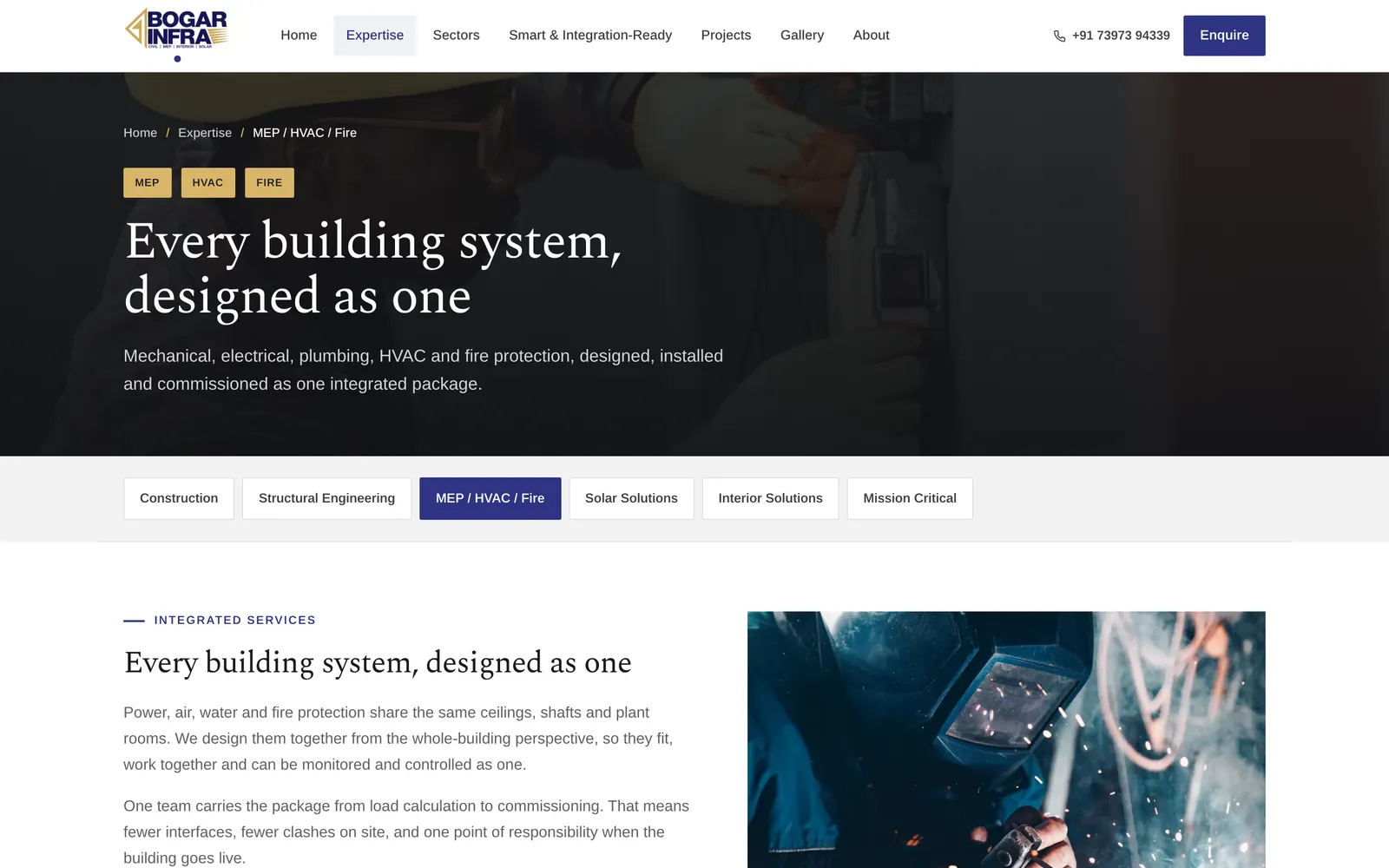
We kept the old two-axis structure because it was right: disciplines say how the firm builds, sectors say what it builds. After the client's feedback round on 10 September 2026 the disciplines became six: Construction, Structural Engineering, MEP / HVAC / Fire, Solar, Interior Solutions and Mission Critical. Project Management and stand-alone HVAC were retired, and their old URLs redirect permanently. The firm named data centres, operation theatres and solar power plants as its focus, so each got its own sector page, taking the total to fourteen.
Fourteen in a row still read as if canteens were a speciality. So sectors are now ordered niche first with an "Also" group after, and each discipline page lists only the sectors it applies to: Mission Critical shows data centres, operation theatres, healthcare, manufacturing and industrial, not canteens. Every count on the site is derived from these lists, so "14" cannot drift from the pages.
Smart, without overclaiming
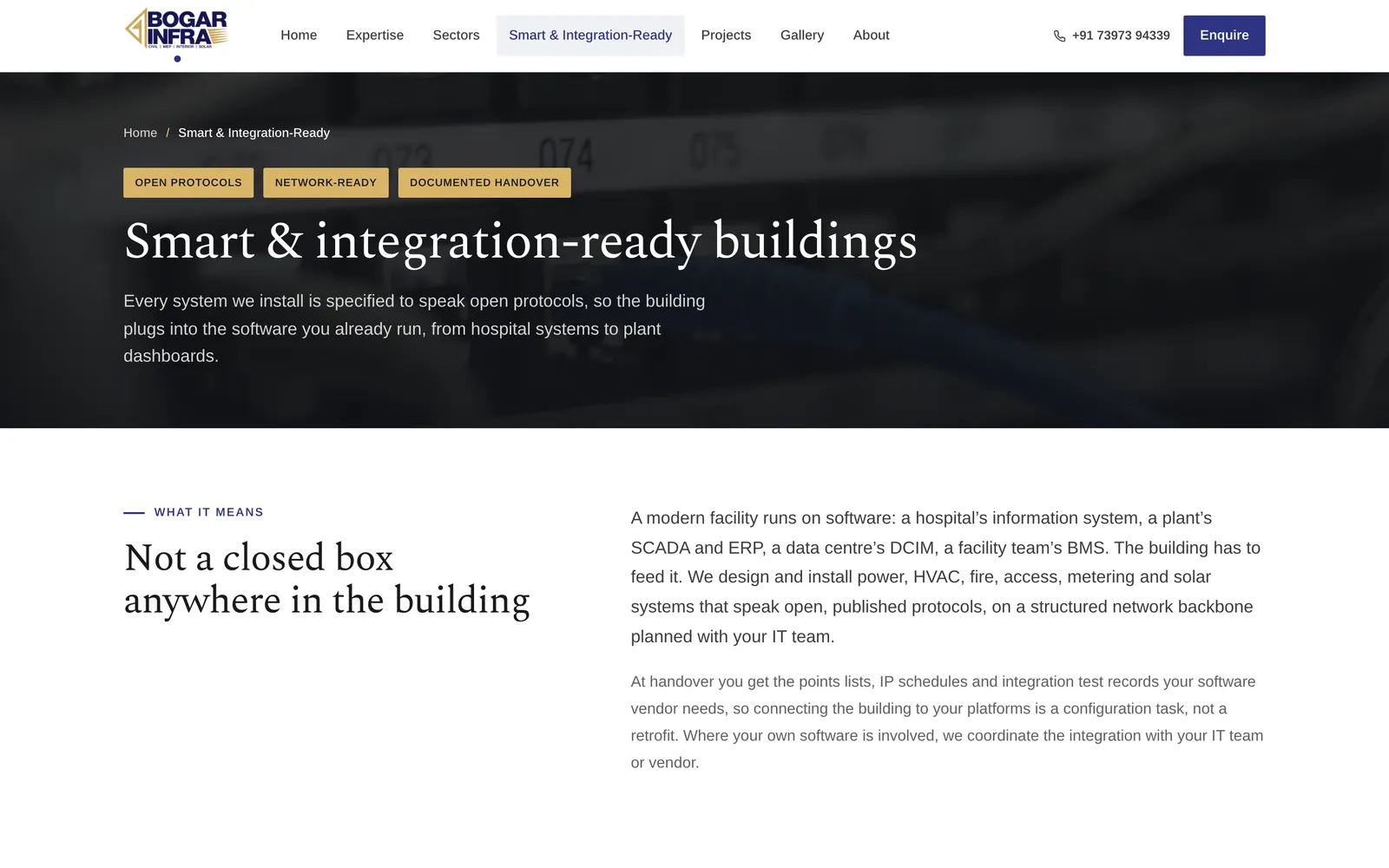
The Smart & Integration-Ready page explains the pitch by building type:
| Building |
Connects to |
Standards named |
| Operation theatres and hospitals |
hospital systems, BMS, imaging |
BACnet/IP, Modbus, HL7/FHIR, DICOM |
| Data centres |
DCIM and NOC monitoring |
SNMP, Modbus TCP, BACnet/IP, MQTT |
| Factories |
SCADA, MES, ERP, energy dashboards |
OPC UA, Modbus, MQTT |
The copy keeps one honesty line: the firm specifies, installs and hands over systems that speak open standards, with points lists, IP schedules and integration test records. Connecting them to the client's own software is done with the client's IT team or vendor. No product names, no client names, no figures.
An AI visiting-card scanner: the model transcribes, the code owns the facts
The firm's five directors each hold a backlog of 500 to 1,000 visiting cards. They wanted to photograph a card and get a usable list of potential clients.
Choosing the model on evidence
We built a test set of 29 freely licensed images: Indian cards including Tamil and Hindi ones, photos of physical cards, foreign controls and two images that are not cards at all. Four models read every image once against hand-checked answers.
| Model |
Names |
Companies |
Phones |
Usable as-is |
Cost per card |
| Small model A (cheapest) |
57% |
45% |
75% |
17/29 |
$0.00020 |
| Small model B |
57% |
55% |
71% |
16/29 |
$0.00044 |
| Small model C |
57% |
65% |
79% |
18/29 |
$0.00066 |
| Mid-size model (shipped) |
76% |
85% |
96% |
21/29 |
$0.00139 |
We had predicted the cheapest model would read 90% of clear cards correctly; it got 57% of names. The model we shipped costs about seven times as much per card and still puts a 5,000-card backlog at about $7, or around $9 if roughly 30% of cards need a second photo. The test also caught our own mistake: the first prompt told models to drop Tamil names, which is wrong for a Chennai firm. It now copies names in the script they are printed in.
What code decides
The model fills a strict JSON schema and is told to return null rather than guess. Code then checks everything checkable: Indian mobile and landline formats, email shape, PIN code to state, the GSTIN checksum, and a sector suggestion. A card needs a name or company and one valid phone or email, or it waits for a person. A QR code on the card is decoded by code and outranks the model.
Private, and never paid for twice
Each director scans through a personal link and PIN, at up to 20 cards a minute. Contacts are private to the director who scanned them. The same photo sent twice is recognised by its hash and costs nothing, and a re-photographed card asks to merge. Card photos sit in a private S3 folder; an anonymous request gets 403.
One unreadable email was freezing a whole mailbox
The firm reported that emails with attachments, and emails with odd or empty subjects, would not open in the panel. Both sat on "Loading the message…" for ever.
What the logs said
The production log had a TypeError reading subject of undefined, and a run of request lines with status "-". In morgan's log format that means the response never finished.
One bug, not two
GoDaddy's mail server had returned a message row with no envelope, and our mapper read the subject off it. The throw happened inside a for await loop over the IMAP fetch, which abandoned the iterator while the server was still sending. Connections are pooled per mailbox and work on them is serialised, so every later click for that mailbox queued behind a command that would never finish, until the process restarted. Attachments only looked guilty because a large message holds a stuck queue longer.
The fixes
- The mapper cannot throw: a missing envelope, flags or addresses become blanks.
- Every fetch is drained to the end before any row is mapped.
- Each pooled operation has a 45-second timeout, inside nginx's 60. It times the work, not the wait for a turn: timing the wait failed eight healthy messages under load.
- A failure to mark a message as read no longer hides it.
- The panel stops waiting after 60 seconds and says so in words.
We also found that opening a message downloaded all of it, attachments included. A 9.63 MB email with two PDFs took 56.9 seconds to open. Now only the body parts load, and the four heaviest messages open in 5.5 to 6.4 seconds.
Proving it
The test suite's fake mail server only ever returned tidy rows, so it now misbehaves on purpose. A script then ran 50 live scenarios against the firm's real shared mailboxes through the real API: Tamil, emoji and 300-character subjects, bodies up to 5 MB, one to six attachments, the refusals, replies, drafts, every folder and ten concurrent reads. Each test message carried a run tag, and cleanup removed only tagged mail.
Progress reports for clients and site updates without logins
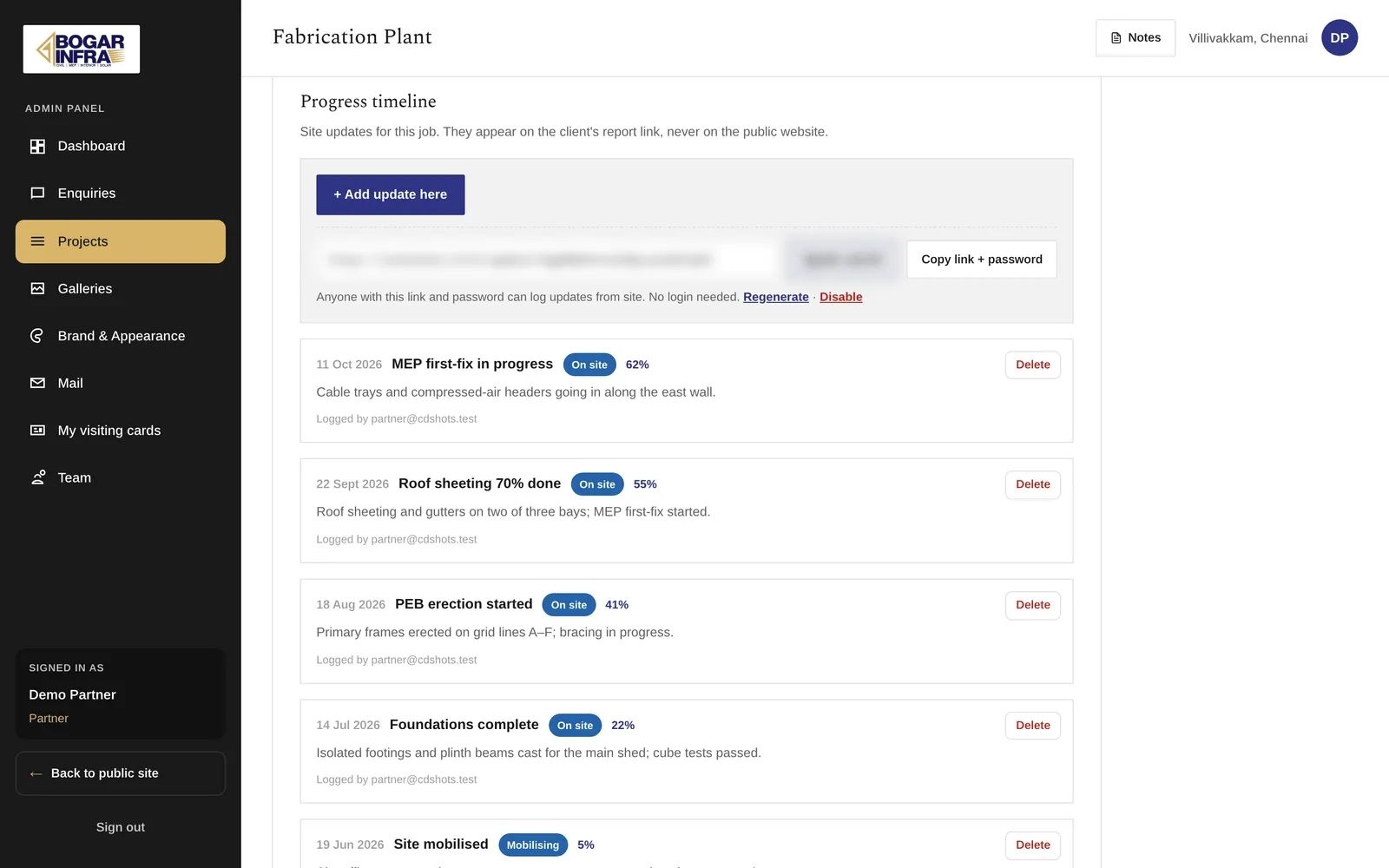
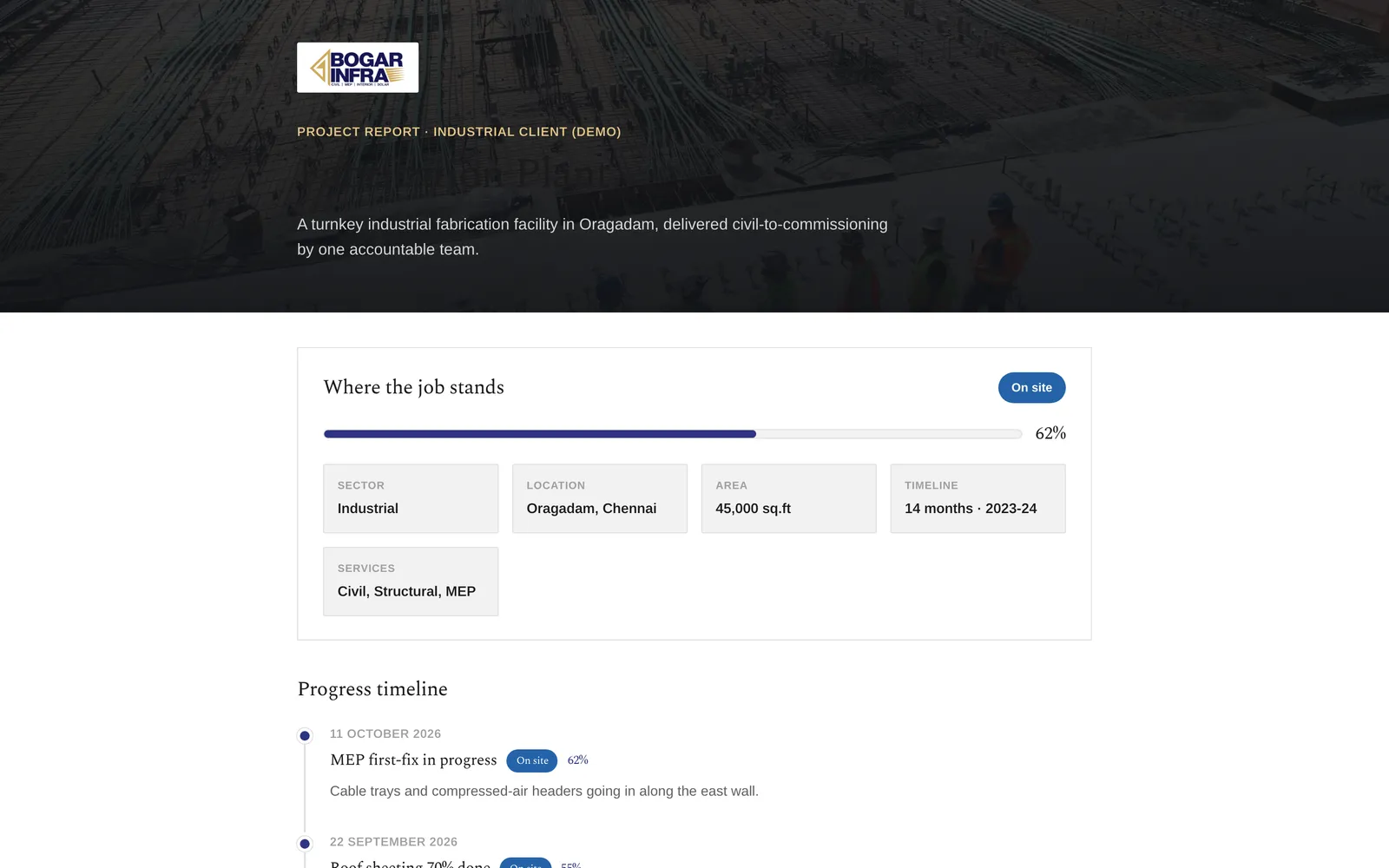
Midway through the build the firm asked for something a marketing site does not do: let a client see where their job stands, behind a password, at a link of its own. That gave each project three faces.
| Face |
Who sees it |
Shows the progress timeline? |
| Public project page |
everyone |
never |
| Admin panel |
partners and staff |
yes |
| Client report link |
that client |
yes |
The report link
The link carries an unguessable token, and a wrong token returns 404, so it never confirms that a project exists. Password attempts are rate-limited. Our first version hashed a password the partner typed and never showed it again, which left no way to send it to the client. The server now generates the passcode from an alphabet without look-alike characters and shows it in the panel with a copy button. That is only safe because it can never be someone's reused personal password. The report works whether or not the project is published on the site.
The site-update link
A second link per project works in the other direction. A site engineer without a login opens it on a phone and posts what happened, notes and up to six photos. The server records the date. The link can never change the project's status or percent complete; only the office moves those.
Keeping private fields private
While repositioning the site we found that the public projects page handed whole project records to a client component, so locations, scope and the prototype's placeholder figures sat in the page source even though nothing displayed them. We fixed it at the API: the public serializer returns a name, a sector and photos, and a test pins that key list. Admin and report pages use their own serializers.
One limit is written down rather than hidden: report photos go through the site's public image pipeline. The passcode protects the page, not a photo URL someone forwards.
Design tokens, and a build check that refuses placeholder content
Two kinds of mistake pass every automated check on a site like this: colours that break on a theme nobody is looking at, and placeholder content that quietly becomes real.
Two tiers of tokens
Raw colours (--pal-*) are declared once on :root and never touched by a theme. Components read only semantic roles (--color-*), which each palette re-points. Early on, one raw token was declared twice with two meanings and the later one won: body text turned white on a near-white background in three of the four themes, while TypeScript and the build stayed green. check:tokens now fails on a duplicate raw token, a raw token inside a palette block, a palette missing any role, or a hex value in a component stylesheet.
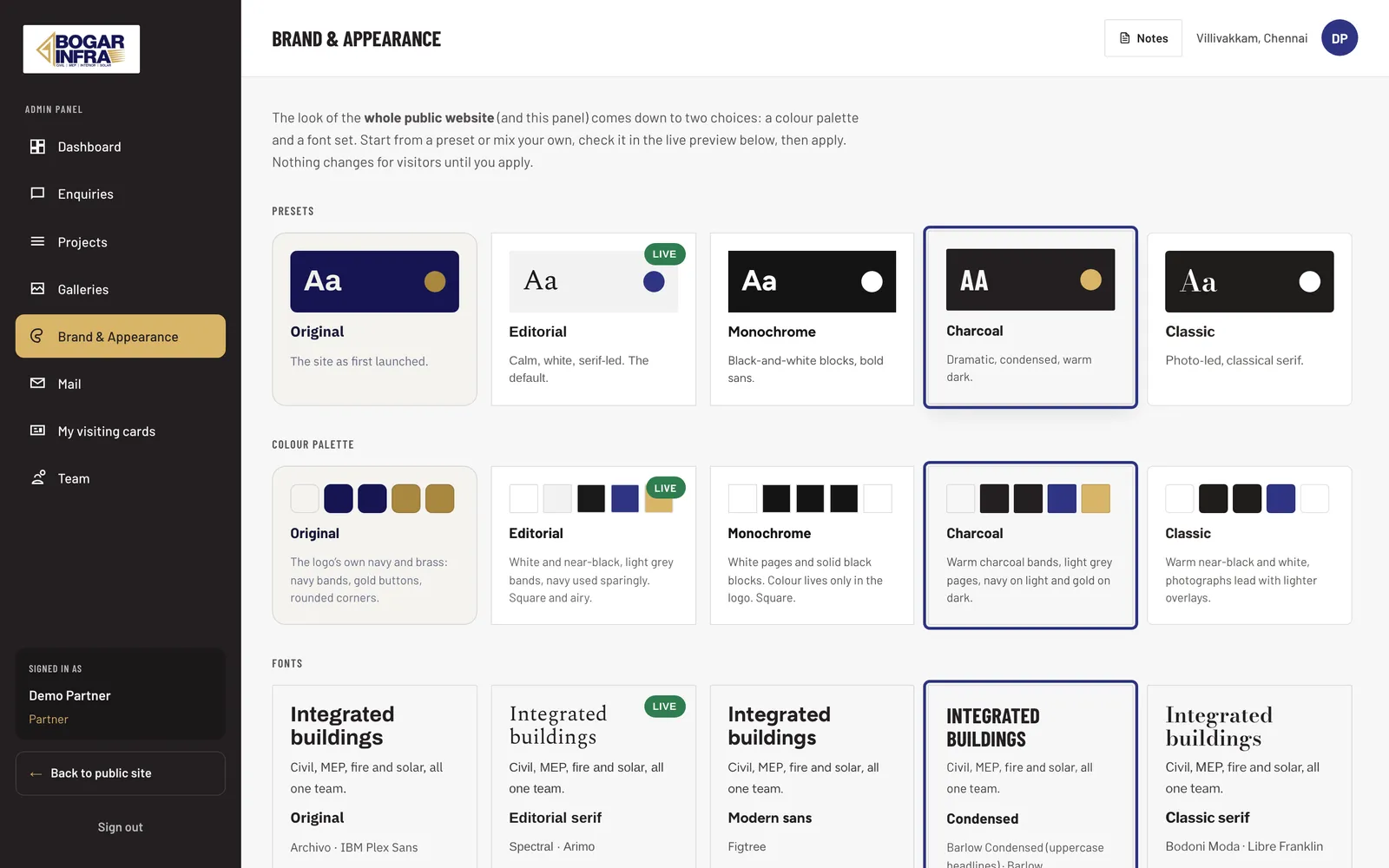
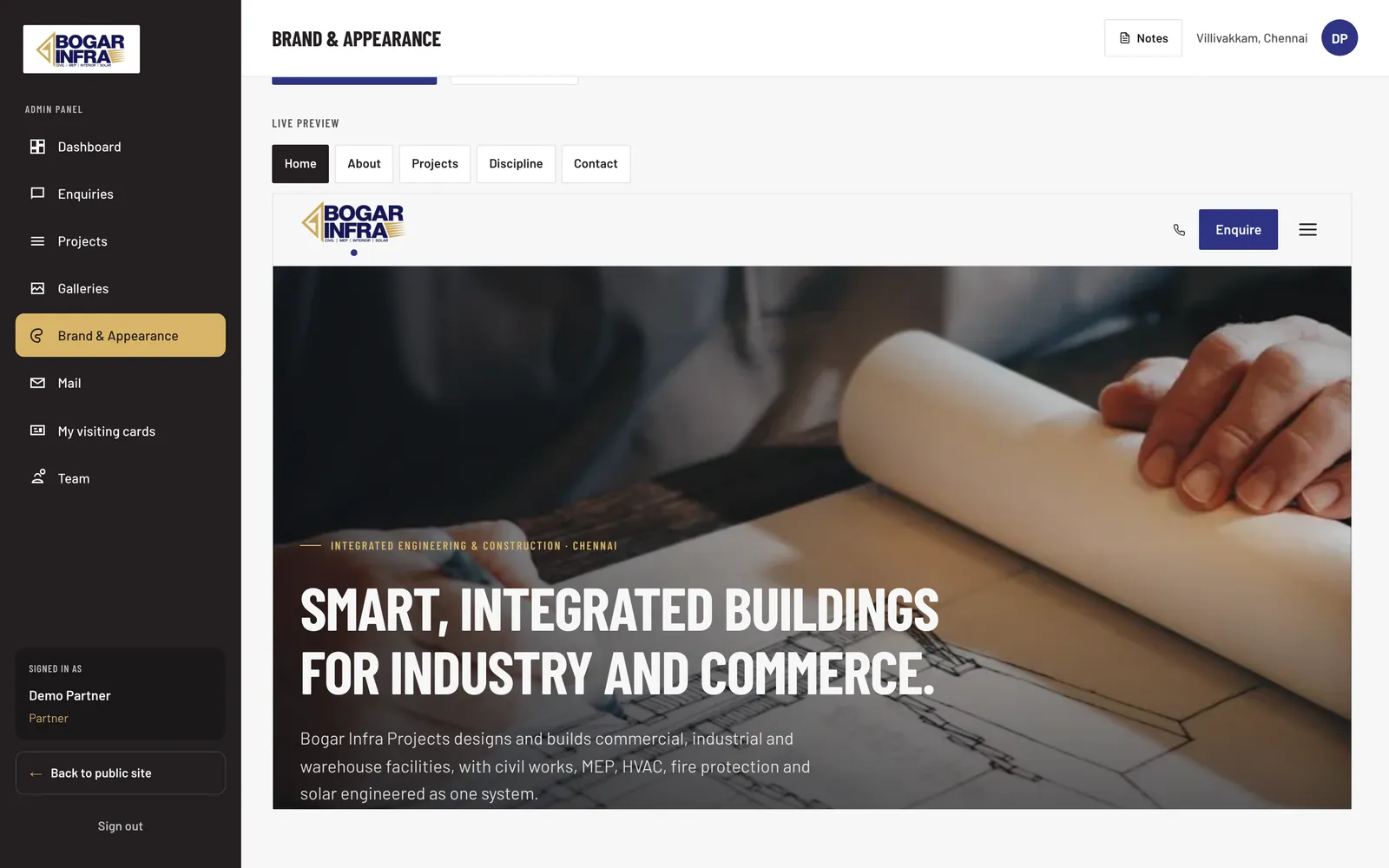
That structure paid off when the firm asked to choose its own look. The panel offers five palettes and five font sets, as presets or mixed. Each palette defines all 33 roles plus corner radii and hero-overlay strength, and the check enforces it. The panel previews the real public site in a frame, sending the choice by message after the page hydrates, before anything changes for visitors.
A gate on placeholder content
The design handoff came with sample project values, areas and completion percentages next to real company names, and a sample testimonial. We kept the layouts and moved every sample value into one file behind a single flag, HAS_PLACEHOLDER_CONTENT. While it is true, check:placeholders fails and npm run verify:prod stops. Placeholder content should never reach a live page by default; someone has to decide that it is true.
Since the repositioning, no public page shows project figures, the public API does not send them, and the testimonial is hidden. The flag stays up until the firm supplies figures it will stand behind. The same goes for photos: the next.config entry that allows stock images is marked temporary, to be deleted when real site photography arrives.